
Stop Drawing Flowcharts by Hand: Prompts That Turn Any Product Idea Into a Clear Visual Flow
A free library of copy-and-paste AI prompts that create end-to-end flow diagrams, UI mockups, and product spec sheets for any feature, product, or industry.
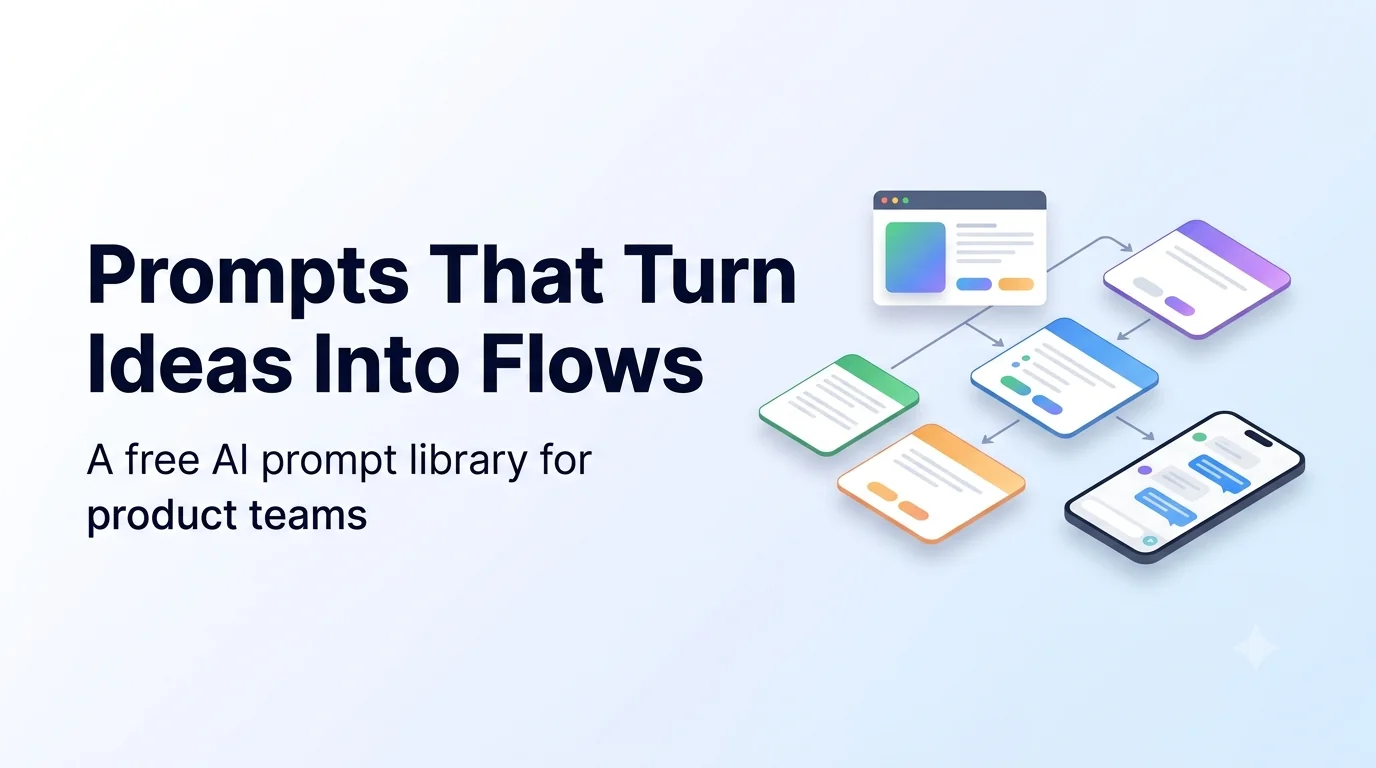
Every product team has had the same meeting. Someone explains a new feature, everyone nods, and two weeks later it turns out each person pictured something different.
The fix is a visual. A single page that shows how a feature is created, configured, used, updated, and deleted removes most of the confusion before anyone writes code. Building these pages by hand takes hours, so most teams skip it.
At Codextroop Prompt Library we use AI image and chat models to produce them in minutes. The model is not the hard part. The prompt is. This post shares the prompts, and the full set is free to copy in the Product Flow Diagram Prompts collection.
What is a flow prompt?
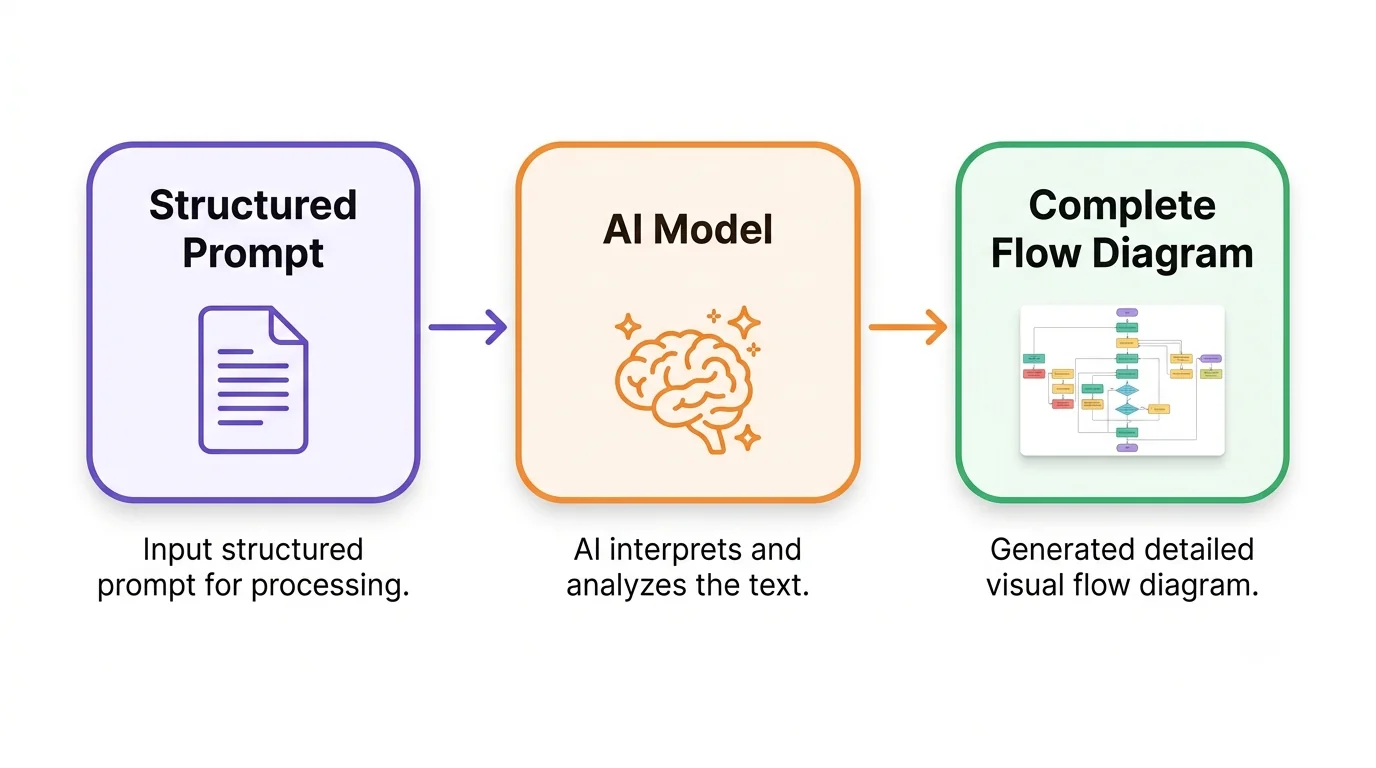
A flow prompt is a structured instruction that tells an AI model exactly what kind of diagram to produce: which sections to include, how to color-code them, what sample data to use, and how much text is allowed on each card.
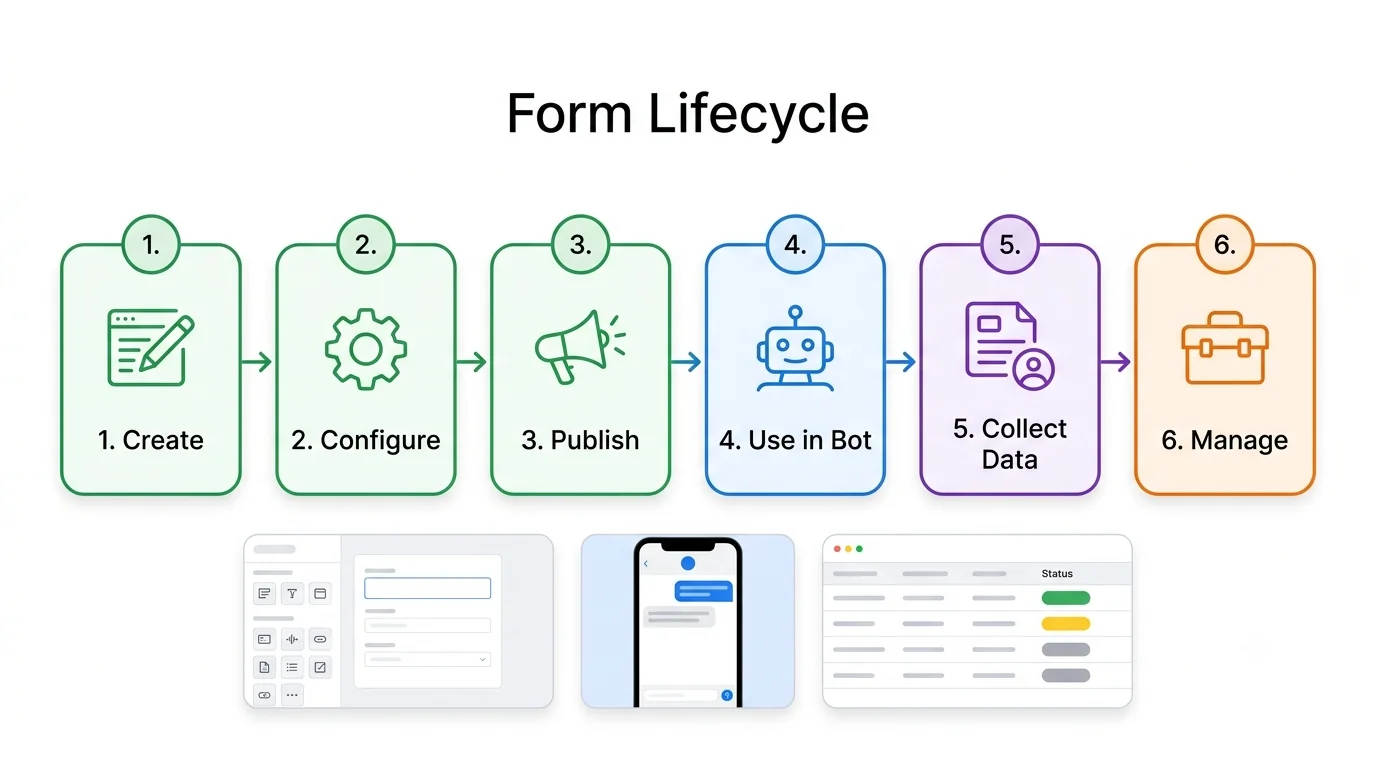
A vague request like “make a flow for forms” gives you a vague picture. A structured prompt gives you something closer to a real product spec: a lifecycle strip, a detailed flowchart, a builder mockup, a management table, a phone preview, and a capabilities footer, all in one consistent style.
What’s in the library
- End-to-end feature flows. One master prompt that works for forms, broadcasts, payments, and onboarding.
- Chatbot and messaging flows. Broadcast campaigns, template approval, bot-to-human handover, lead capture, in-chat payments, and unified inboxes.
- AI and automation. RAG pipelines, AI agent loops, prompt chains, and bot evaluation dashboards.
- Business and operations. Journey maps, sales funnels, support escalation, subscription lifecycles, and role permissions.
- Technical diagrams. Architecture maps, ER diagrams, sequence diagrams, state machines, CI/CD pipelines, and authentication flows.
- UI and planning. Dashboards, mobile wireframes, roadmaps, comparison matrices, and before/after process maps.
Each prompt uses [BRACKETS] for the parts you swap out. Fill in your feature, your product, and an example business, then paste it into ChatGPT, Gemini, or Midjourney.
How to get the best results
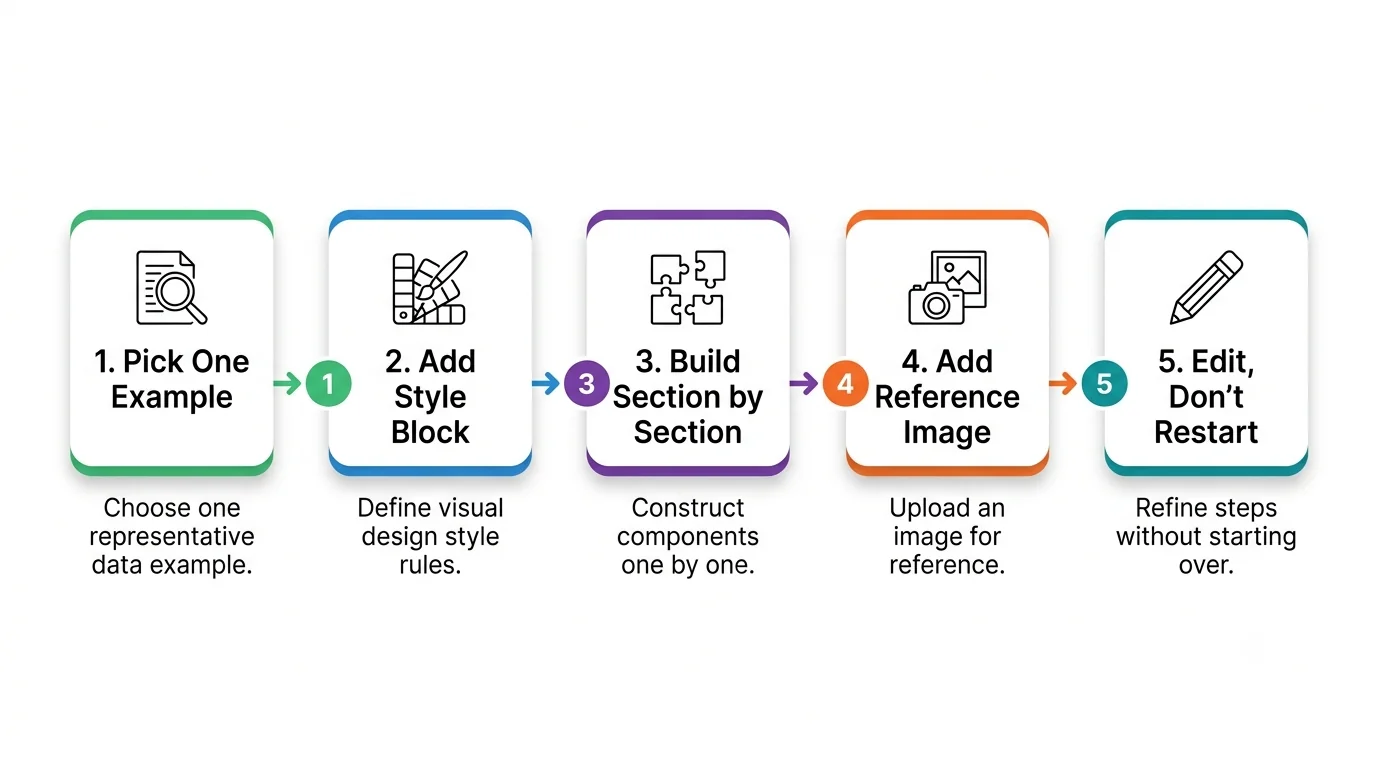
- Use a single running example. Pick one business, like a clinic booking appointments, and use it in every section.
- Add the style block. It locks colors, fonts, arrow styles, and spelling rules.
- Generate one section at a time. Dense one-shot posters often garble small text. The section add-on keeps labels cleaner.
- Attach a reference image when you already like a layout. The reference add-on asks the model to match density for a new feature.
- Edit instead of restarting. If one section is off, use the edit add-on: keep everything, redo only that section.
- Keep the text short. Titles under four words and descriptions under twelve keep every label readable.
Who this is for
- Product managers who need to align engineering, design, and clients before building.
- Founders preparing pitch decks and feature walkthroughs.
- Developers documenting architecture and integrations.
- Agencies who need client-ready diagrams quickly.
- Support and operations teams mapping processes they want to improve.
A realistic expectation
AI-generated diagrams are a fast first draft, not a finished design. You will usually get the right structure and style, and small text may still need a touch-up. Generate a few versions, pick the best, and fix the details. For crisp editable text, ask the model to build the same layout as HTML or SVG.
- Browse the Product Flow Diagram collectionEvery prompt is free to copy. Fill the brackets and paste.
- Master End-to-End FlowLifecycle strip, flowchart, builder, list view, phone preview, and delete flow.
- Drag-and-Drop Flow Builder UINode library, canvas, minimap, and a properties panel.
- RAG Knowledge PipelineIngest, embed, retrieve, and answer with citations.
FAQ
What is a flow prompt?
A structured instruction that tells an AI model which sections, colors, sample data, and label lengths to use so the result looks like a product spec instead of a vague sketch.
Do I need a reference photo?
No. Fill the brackets with your product, feature, and one example business. Attach an image only when you want the model to match an existing layout.
Which AI tools work?
ChatGPT, Gemini, and Midjourney. Results vary by model, especially on small text. Generate one section at a time when labels matter.
Are the prompts free?
Yes. Every prompt in the Product Flow Diagram collection on Codextroop Prompt Library is free to browse and copy.