
How to Security Audit a Laravel + Livewire Application with Cursor AI
Laravel ships with CSRF, hashing, and Eloquent safeguards — custom authorization, Livewire state, uploads, and tenant rules do not. Use this Cursor master prompt to audit, fix, and retest.
Building a Laravel application is one thing. Making sure it can withstand real-world attacks is another. Laravel provides strong security features out of the box, but no framework can automatically protect custom business logic, authorization rules, tenant boundaries, Livewire components, file handling, or third-party integrations.
A small authorization mistake in a controller or Livewire component can let one user read another user's data. A poorly protected upload creates a different attack surface. A missing tenant condition can expose records across organizations. Those issues are hard to catch in normal feature work.
That is where Cursor can act as a security-auditing assistant — if you give it a structured brief instead of “find vulnerabilities.”
- Laravel + Livewire Security Audit & HardeningCopy the full Cursor master prompt: discover, validate, fix, test, rescan, and document.
Why a Laravel security audit still matters
Laravel already covers many common concerns: CSRF protection, password hashing, authentication scaffolding, request validation, Eloquent parameterization, session handling, and password-reset flows. It cannot understand your business rules.
Imagine an order is loaded with Order::find($orderId) and then updated to approved. The PHP is valid. The more important question is whether the current user is allowed to approve that order. If the authorization check is missing, the application has a serious problem even though the code looks normal.
The biggest risks are often in application logic
Some vulnerabilities come from obviously dangerous functions. Many more come from ordinary-looking application code.
- IDOR / BOLA: a user changes an ID and reaches another user's resource.
- Broken authorization: a normal account hits an endpoint meant for administrators.
- Mass assignment: an attacker sends role, is_admin, owner_id, or tenant_id on a request the developer assumed was safe.
- Business-logic abuse: prices, quantities, discounts, balances, approvals, or refunds can be manipulated without a classic injection bug.
- Livewire state tampering: public properties such as userId, tenantId, amount, or isAdmin are treated as trusted because the UI hid them.
Why Livewire needs its own pass
Livewire is not “just Blade with extra steps.” Public component properties and action arguments cross the client/server boundary. Hiding a button with @if, disabling a control, or omitting a field from the template is not authorization. Sensitive actions — save, delete, approve, upload, export, bulkDelete — must enforce policies and ownership on the server after every request.
A useful audit also checks whether serialized component state leaks tokens or secrets, and whether uploads validate type, size, storage location, and who may attach the file.
Do not ask Cursor to wander
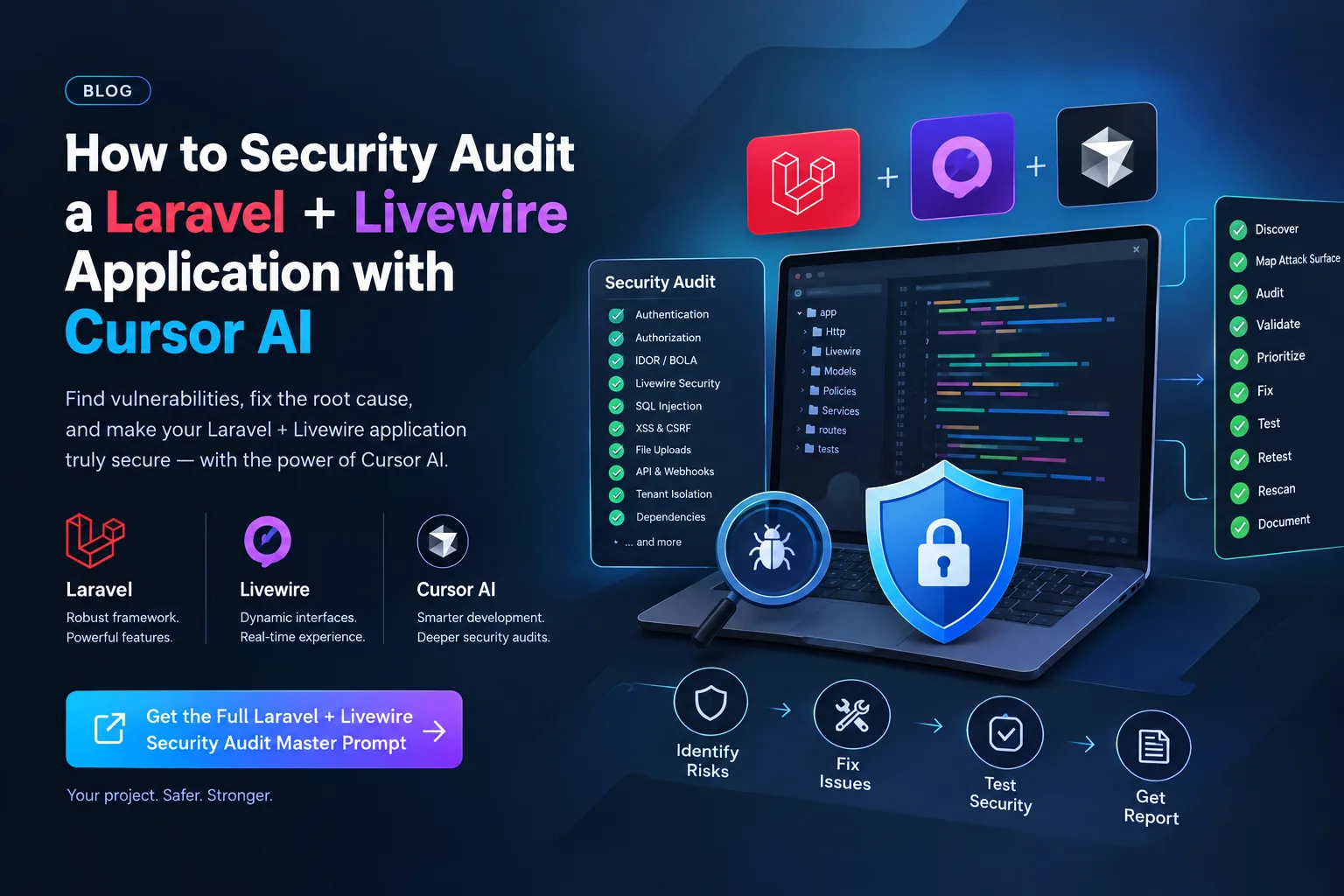
A vague “harden this repo” request usually produces random refactors and unverified claims. The master prompt forces a nine-phase loop: reconnaissance, attack-surface mapping, audit, safe validation, prioritization, remediation, regression tests, a full rescan, and a SECURITY_AUDIT.md report. It tells the agent to stay on authorized local or staging environments, avoid destructive production tests, and never invent proof.
- Treat every client-controlled value as untrusted — including Livewire public properties and hidden fields.
- Confirm findings as CONFIRMED, LIKELY, POTENTIAL, or FALSE POSITIVE before patching.
- Fix the root cause, add tests for unauthenticated, authorized, and cross-user or cross-tenant cases, then retest the original condition.
- Search for the same vulnerability class elsewhere after the first fix.
How to run the master prompt
Open your Laravel + Livewire project in Cursor, paste the prompt, and fill the optional fields if you want a tighter first pass.
- Use the Laravel + Livewire Security Audit prompt and copy it into the agent chat.
- Set focus_area when you already know the risky surface (billing, Livewire approvals, file downloads).
- Set environment to local or authorized staging with test accounts only.
- Name out_of_scope hosts, production data, and third-party systems the agent must not touch.
- Ask for the written audit report before large code changes if you need an evidence trail for reviewers.
What “done” looks like
Do not accept “the app is 100% secure.” Security cannot be proven absolutely. Done means the defined scope was reviewed, confirmed issues have fixes and tests, the original attack no longer works, a rescan was performed, and remaining risks plus limitations are written down without credentials or customer data.
If you only need a pre-merge review of one pull request, use Code Audit Before You Ship instead. Use the master prompt when you want Cursor to behave like an application-security engineer across the whole Laravel + Livewire surface.
FAQ
Does this replace a professional penetration test?
No. It is a structured assistant for a repo you are authorized to assess. It improves coverage and documentation; it does not certify the product or replace a scoped pentest.
Can I run this against production?
The prompt forbids destructive or unauthorized production testing. Use local development or explicitly authorized staging with test accounts and test data.
Does it work without Livewire?
The Livewire sections will be thin on a Blade-only app, but the Laravel authorization, mass-assignment, upload, tenant, and API checks still apply. Prefer a Laravel-only brief if you have no Livewire components.
Where do I copy the full prompt?
Open the Laravel + Livewire Security Audit & Hardening page on promptslibrary.net, fill the optional focus fields, and copy it into Cursor.