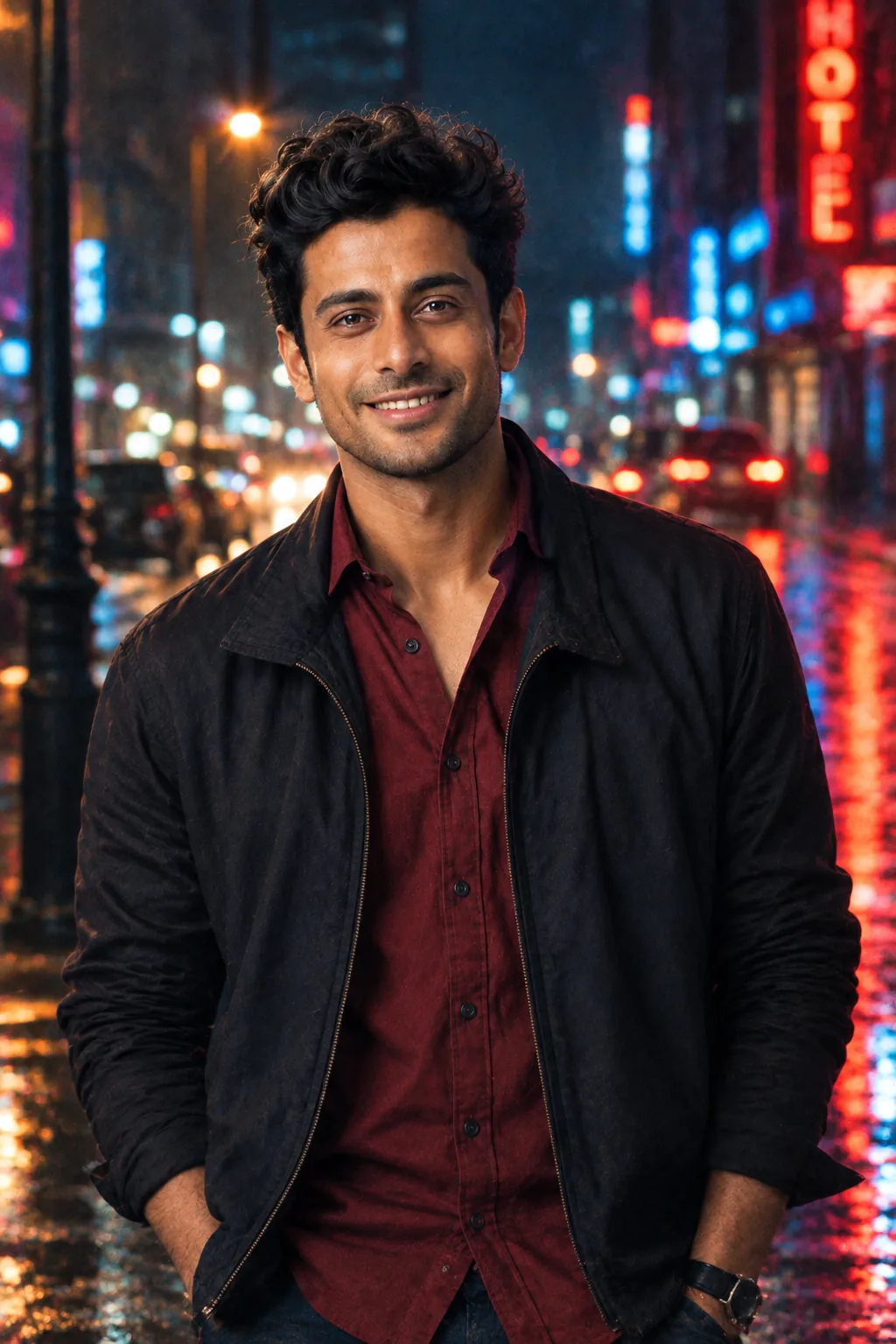
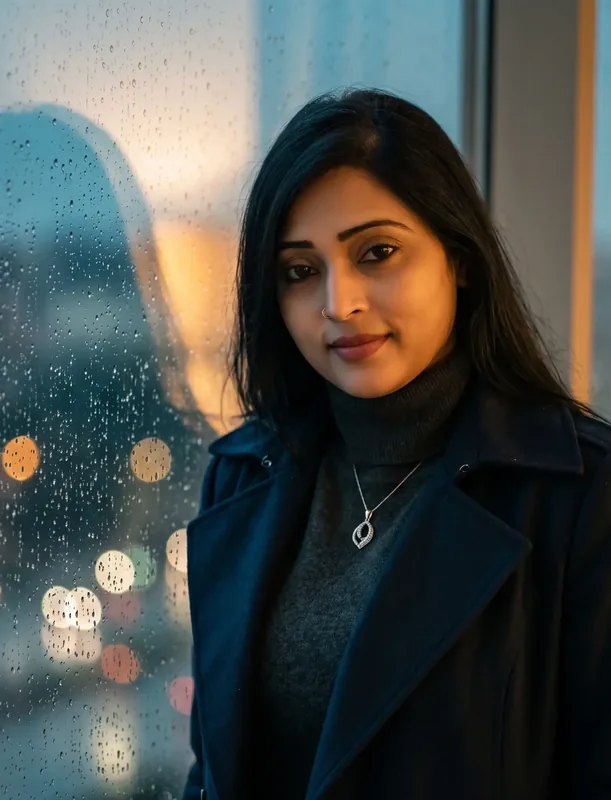
Giants in the City
Midnight Crossing AI Photo Prompt




35m identity-locked giant crossing a wet night avenue - multi-level scale references and city light only.

Example output - Midnight Crossing
The Prompt
giant-midnight-crossing.md
Use the uploaded photograph as the primary identity reference and preserve the actual person's identity throughout the transformation.

IDENTITY LOCK

The face is NOT being regenerated.

Maintain the same:
facial geometry,
eye shape,
eyebrow structure,
nose,
lips,
jaw,
chin,
cheek structure,
skin tone,
skin texture,
age cues,
natural asymmetry,
hairline,
hair characteristics and recognizable features.

Preserve the person's recognizable physical build.

The person must remain unmistakably the same individual from the uploaded image.

GIANT TRANSFORMATION

Make the person approximately 35 meters tall and physically present inside {{CITY}} at night.

They are crossing a major urban avenue at approximately {{LOCATION}}.

The person remains completely human in anatomy and appearance.

No fantasy elements.

No superhero costume.

No glowing eyes.

No monster characteristics.

The only extraordinary element is their enormous physical scale.

NIGHT CITY

Build a dense, believable city environment:
wet asphalt,
moving traffic,
high-rise buildings,
street-level shops,
traffic signals,
bus stops,
pedestrians,
taxis,
motorcycles,
illuminated windows,
LED signage,
streetlights and reflections.

Use {{WEATHER}} to establish the atmosphere.

SCALE ENGINEERING

The scene must contain multiple independent scale references.

Near the person's feet:
cars and pedestrians.

At knee level:
streetlights, buses, trees and signage.

Around the torso:
multi-storey buildings and elevated structures.

Behind the person:
distant towers and city lights.

This hierarchy should make the giant's size mathematically intuitive without explicitly displaying measurements.

The person's feet must physically contact the road.

No floating.

No miniature effect.

CAMERA

Place the camera on the street approximately {{CAMERA_DISTANCE}} away.

Use a 24mm full-frame cinematic lens.

Shoot upward from approximately 1.6 meters above the road.

Include a foreground vehicle partially entering the frame.

The foreground vehicle should create an immediate human-scale reference before the viewer notices the giant.

Use natural perspective distortion from the wide lens, but keep the person's face anatomically believable.

REFLECTION LOGIC

Wet roads must reflect:
streetlights,
headlights,
building lights,
and portions of the giant where physically appropriate.

Do not create a mirror-like road.

The reflections should become softer and less defined with distance.

LIGHTING

The giant must be illuminated primarily by existing city light.

Use mixed urban lighting:
warm streetlights,
cool building illumination,
vehicle headlights,
subtle storefront light.

No artificial studio key light.

The giant's shadow and reflected light must correspond to the actual light sources visible in the scene.

ATMOSPHERIC DEPTH

The giant's upper body should gradually blend into realistic urban night atmosphere because of distance.

Distant buildings should have lower contrast.

Windows should remain individually believable.

Avoid an artificial halo around the person.

HUMAN RESPONSE

People should naturally react to the giant:
some stopping,
some looking upward,
some photographing the scene,
some continuing to move.

Do not make every person stare directly at the camera.

The city should still feel like a functioning city.

FINAL PHOTOGRAPHIC TARGET

A believable news-photography-meets-cinematic-travel photograph that makes the viewer question how the photograph was captured.

It should feel physically photographed, not digitally illustrated.

No CGI aesthetic.
No fantasy environment.
No cutout compositing.
No distorted anatomy.
No duplicated limbs.
No oversized facial features.
No inconsistent shadows.
No scale-breaking objects.

Aspect ratio: 16:9.
Photorealistic.
High dynamic range without excessive HDR.
Natural cinematic color.
Negative prompt
Included when you copy the prompt
face swap, different person, generic AI face, beauty-model reconstruction, de-aged face, beautified face, altered facial structure, fantasy giant, monster, superhero, CGI character, plastic skin, floating person, cutout edges, miniature toy aesthetic, oversized head, deformed hands, extra fingers, duplicated limbs, incorrect perspective, inconsistent shadows, cartoon, illustration, anime, watermark, logo
Fill in your details below - this prompt updates as you type, then copy it.
Fill in your details
0 of 4 filled. Preview updates as you type - then copy the finished prompt (negative prompt included when present).
giant-midnight-crossing.md
Prompt preview
Use the uploaded photograph as the primary identity reference and preserve the actual person's identity throughout the transformation.

IDENTITY LOCK

The face is NOT being regenerated.

Maintain the same:
facial geometry,
eye shape,
eyebrow structure,
nose,
lips,
jaw,
chin,
cheek structure,
skin tone,
skin texture,
age cues,
natural asymmetry,
hairline,
hair characteristics and recognizable features.

Preserve the person's recognizable physical build.

The person must remain unmistakably the same individual from the uploaded image.

GIANT TRANSFORMATION

Make the person approximately 35 meters tall and physically present inside {{CITY}} at night.

They are crossing a major urban avenue at approximately {{LOCATION}}.

The person remains completely human in anatomy and appearance.

No fantasy elements.

No superhero costume.

No glowing eyes.

No monster characteristics.

The only extraordinary element is their enormous physical scale.

NIGHT CITY

Build a dense, believable city environment:
wet asphalt,
moving traffic,
high-rise buildings,
street-level shops,
traffic signals,
bus stops,
pedestrians,
taxis,
motorcycles,
illuminated windows,
LED signage,
streetlights and reflections.

Use {{WEATHER}} to establish the atmosphere.

SCALE ENGINEERING

The scene must contain multiple independent scale references.

Near the person's feet:
cars and pedestrians.

At knee level:
streetlights, buses, trees and signage.

Around the torso:
multi-storey buildings and elevated structures.

Behind the person:
distant towers and city lights.

This hierarchy should make the giant's size mathematically intuitive without explicitly displaying measurements.

The person's feet must physically contact the road.

No floating.

No miniature effect.

CAMERA

Place the camera on the street approximately {{CAMERA_DISTANCE}} away.

Use a 24mm full-frame cinematic lens.

Shoot upward from approximately 1.6 meters above the road.

Include a foreground vehicle partially entering the frame.

The foreground vehicle should create an immediate human-scale reference before the viewer notices the giant.

Use natural perspective distortion from the wide lens, but keep the person's face anatomically believable.

REFLECTION LOGIC

Wet roads must reflect:
streetlights,
headlights,
building lights,
and portions of the giant where physically appropriate.

Do not create a mirror-like road.

The reflections should become softer and less defined with distance.

LIGHTING

The giant must be illuminated primarily by existing city light.

Use mixed urban lighting:
warm streetlights,
cool building illumination,
vehicle headlights,
subtle storefront light.

No artificial studio key light.

The giant's shadow and reflected light must correspond to the actual light sources visible in the scene.

ATMOSPHERIC DEPTH

The giant's upper body should gradually blend into realistic urban night atmosphere because of distance.

Distant buildings should have lower contrast.

Windows should remain individually believable.

Avoid an artificial halo around the person.

HUMAN RESPONSE

People should naturally react to the giant:
some stopping,
some looking upward,
some photographing the scene,
some continuing to move.

Do not make every person stare directly at the camera.

The city should still feel like a functioning city.

FINAL PHOTOGRAPHIC TARGET

A believable news-photography-meets-cinematic-travel photograph that makes the viewer question how the photograph was captured.

It should feel physically photographed, not digitally illustrated.

No CGI aesthetic.
No fantasy environment.
No cutout compositing.
No distorted anatomy.
No duplicated limbs.
No oversized facial features.
No inconsistent shadows.
No scale-breaking objects.

Aspect ratio: 16:9.
Photorealistic.
High dynamic range without excessive HDR.
Natural cinematic color.
Collection: Giants in the City
Examples
Example input
Upload a clear full-body or upper-body reference of the same person, then fill city / landmark variables.
What you should get
A photorealistic 16:9 cinematic city-scale photograph of the same person from the upload - midnight crossing.


How to use this AI photo prompt
- Upload a clear reference photo of your face (well-lit, front-facing works best).
- Fill any placeholders on this page, then tap Copy Prompt.
- Paste into Gemini (also works with ChatGPT, Flux) and generate.
- Keep your face locked - only wardrobe, pose, and scene should change.
Privacy: Upload your photo inside ChatGPT, Gemini, or your AI tool — not on this site. We don't store your photos.
Works best with Gemini / ChatGPT / Flux
Identity-preserving image-to-image prompts need a strong face reference. Avoid heavy beauty filters on the upload and use the negative prompt when your tool supports it.
Tips for better giants in the city results
- Match the example aspect ratio when your tool allows it (often 4:5 for portraits).
- If the face drifts, re-upload a sharper photo and keep the same prompt text.
- Copy related giants in the city prompts below to try alternate looks with the same identity lock.
When to use this prompt
Use it when
- You have a clear identity reference photo to upload
- You want keep-your-face storytelling with extreme scale engineering
Skip it when
- Text-only generation with no identity reference
How to get a good result
Done when
A photorealistic 16:9 cinematic city-scale photograph of the same person from the upload - midnight crossing.
Common mistakes
- Leaving CITY, LOCATION, WEATHER vague - the model then invents placeholders.
- Asking Gemini, ChatGPT, Flux, or Midjourney for a shorter answer after a long structured prompt - that throws away the format rules.
- Stopping when the first draft appears instead of checking it against the success criteria below.
FAQ
- What do I fill in before I copy this prompt?
- Replace these placeholders with your details: CITY, LOCATION, WEATHER, CAMERA_DISTANCE. Required fields are marked on the page. The prompt text updates as you type.
- Which AI tools is this prompt written for?
- It works best with Gemini, ChatGPT, Flux, Midjourney. Copy the filled prompt and paste it into the tool you already use.
- What should a good result look like?
- A photorealistic 16:9 cinematic city-scale photograph of the same person from the upload - midnight crossing.
- What are common mistakes with this prompt?
- Leaving CITY, LOCATION, WEATHER vague - the model then invents placeholders. Asking Gemini, ChatGPT, Flux, or Midjourney for a shorter answer after a long structured prompt - that throws away the format rules. Stopping when the first draft appears instead of checking it against the success criteria below.
Best for
- Identity-preserving travel composites
- Surreal city-scale photography
- Cinematic image-to-image restyles
Related Prompts
More prompts like this — same topic and style.