Giants in the City
Landmark Scale AI Photo Prompt




30m tourist giant beside an accurate landmark - normal-sized props and true architectural scale.

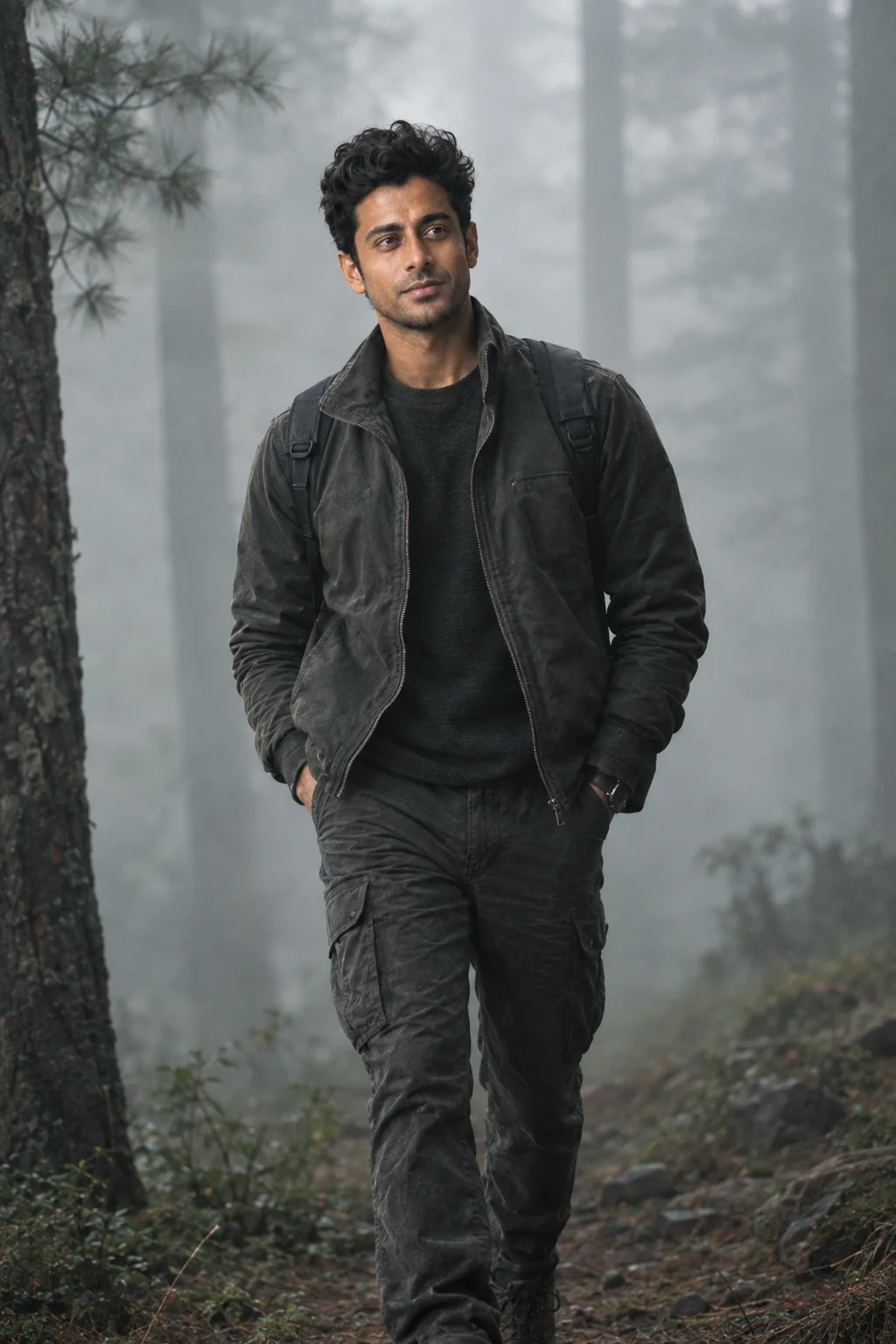
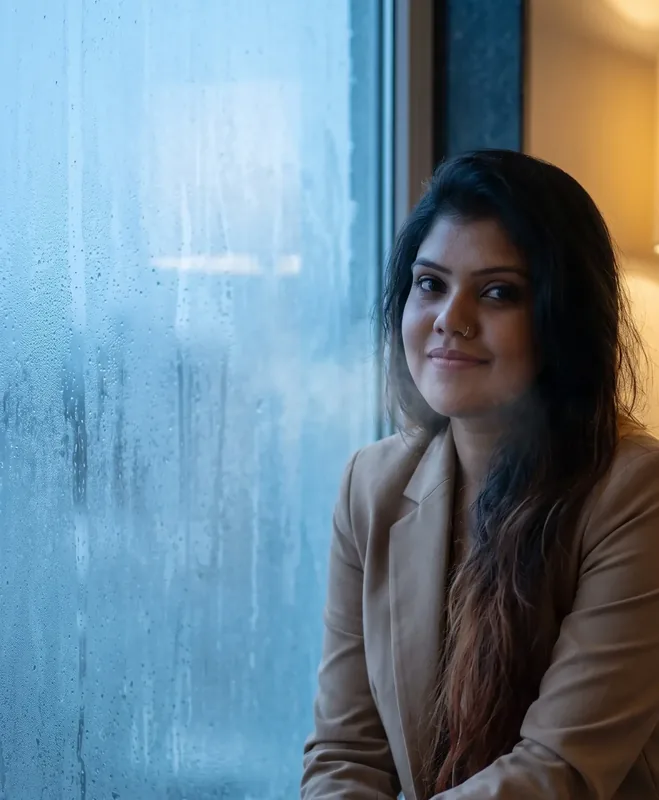
Example output - Landmark Scale
The Prompt
giant-landmark-scale.md
Use the uploaded photograph as the ONLY identity reference for the person.

This is a strict identity-preserving image transformation.

IDENTITY LOCK

Preserve:
- exact face shape
- eyes and eye spacing
- eyebrows
- nose
- lips
- jawline
- chin
- cheeks
- natural skin texture
- skin tone
- age cues
- facial asymmetry
- distinctive marks
- hairline and recognizable hair characteristics
- recognizable body build and proportions

The person must remain immediately recognizable as the uploaded individual.

Do not create a new face.

Do not apply beauty-model facial reconstruction.

Do not alter ethnicity, age, facial structure or recognizable physical characteristics.

GIANT TRAVEL CONCEPT

Transform the person into a gigantic human approximately 30 meters tall visiting {{LANDMARK}} in {{CITY}}.

The landmark must remain architecturally accurate and recognizable.

The person is behaving like a tourist, not a superhero.

They are standing/walking near the landmark and observing it with genuine curiosity.

SCALE RELATIONSHIP

Make the landmark the primary scale reference.

The giant should be visibly large enough that:
- people appear tiny around them
- cars are miniature relative to their feet
- the landmark occupies a realistic fraction of the giant's body height
- nearby trees, buses, signs and buildings reinforce the scale

Do not simply enlarge the person while leaving the landmark unchanged.

Reconstruct the entire scene as one physically coherent environment.

INTERACTION

Give the person a believable travel pose:
{{POSE}}

They may hold a normal-sized travel object such as:
{{OBJECT}}

The object must remain normal human scale, making the person's enormous scale even more obvious.

CAMERA DESIGN

Photograph the scene from a real tourist viewpoint at approximately human eye level.

Use a 24 - 35mm full-frame lens.

Compose the frame so the landmark and giant overlap naturally in three-dimensional space.

Use foreground tourists, railings, vehicles, trees or architectural elements as depth anchors.

The giant should not look like a layer placed behind the landmark.

Use realistic occlusion:
some parts of the giant may disappear behind structures,
while other parts appear in front of them.

LIGHTING CONSISTENCY

Use the actual environmental lighting of {{TIME_OF_DAY}}.

Every surface must share the same:
light direction,
shadow softness,
color temperature,
atmospheric conditions,
reflected light.

The giant must cast a physically plausible shadow.

Add subtle environmental effects caused by the enormous scale:
dust near the ground,
slight movement in nearby trees,
people looking upward,
vehicles reacting to the person's presence.

Do not turn the scene into a disaster movie.

IMAGE QUALITY

Photorealistic large-format travel photograph.

Natural skin texture.
Natural fabric.
Real architectural materials.
Realistic road surfaces.
Physically correct perspective.
Subtle lens imperfections.
Natural depth of field.
No excessive sharpening.

AVOID

fantasy giant
monster
superhero
CGI character
plastic skin
floating person
cutout edges
incorrect perspective
tiny giant feet
oversized head
deformed hands
duplicate pedestrians
random landmark architecture
fake text/signage
unrealistic shadows
cartoon appearance
Negative prompt
Included when you copy the prompt
face swap, different person, generic AI face, beauty-model reconstruction, de-aged face, beautified face, altered facial structure, fantasy giant, monster, superhero, CGI character, plastic skin, floating person, cutout edges, miniature toy aesthetic, oversized head, deformed hands, extra fingers, duplicated limbs, incorrect perspective, inconsistent shadows, cartoon, illustration, anime, watermark, logo
Fill in your details below - this prompt updates as you type, then copy it.
Fill in your details
0 of 5 filled. Preview updates as you type - then copy the finished prompt (negative prompt included when present).
giant-landmark-scale.md
Prompt preview
Use the uploaded photograph as the ONLY identity reference for the person.

This is a strict identity-preserving image transformation.

IDENTITY LOCK

Preserve:
- exact face shape
- eyes and eye spacing
- eyebrows
- nose
- lips
- jawline
- chin
- cheeks
- natural skin texture
- skin tone
- age cues
- facial asymmetry
- distinctive marks
- hairline and recognizable hair characteristics
- recognizable body build and proportions

The person must remain immediately recognizable as the uploaded individual.

Do not create a new face.

Do not apply beauty-model facial reconstruction.

Do not alter ethnicity, age, facial structure or recognizable physical characteristics.

GIANT TRAVEL CONCEPT

Transform the person into a gigantic human approximately 30 meters tall visiting {{LANDMARK}} in {{CITY}}.

The landmark must remain architecturally accurate and recognizable.

The person is behaving like a tourist, not a superhero.

They are standing/walking near the landmark and observing it with genuine curiosity.

SCALE RELATIONSHIP

Make the landmark the primary scale reference.

The giant should be visibly large enough that:
- people appear tiny around them
- cars are miniature relative to their feet
- the landmark occupies a realistic fraction of the giant's body height
- nearby trees, buses, signs and buildings reinforce the scale

Do not simply enlarge the person while leaving the landmark unchanged.

Reconstruct the entire scene as one physically coherent environment.

INTERACTION

Give the person a believable travel pose:
{{POSE}}

They may hold a normal-sized travel object such as:
{{OBJECT}}

The object must remain normal human scale, making the person's enormous scale even more obvious.

CAMERA DESIGN

Photograph the scene from a real tourist viewpoint at approximately human eye level.

Use a 24 - 35mm full-frame lens.

Compose the frame so the landmark and giant overlap naturally in three-dimensional space.

Use foreground tourists, railings, vehicles, trees or architectural elements as depth anchors.

The giant should not look like a layer placed behind the landmark.

Use realistic occlusion:
some parts of the giant may disappear behind structures,
while other parts appear in front of them.

LIGHTING CONSISTENCY

Use the actual environmental lighting of {{TIME_OF_DAY}}.

Every surface must share the same:
light direction,
shadow softness,
color temperature,
atmospheric conditions,
reflected light.

The giant must cast a physically plausible shadow.

Add subtle environmental effects caused by the enormous scale:
dust near the ground,
slight movement in nearby trees,
people looking upward,
vehicles reacting to the person's presence.

Do not turn the scene into a disaster movie.

IMAGE QUALITY

Photorealistic large-format travel photograph.

Natural skin texture.
Natural fabric.
Real architectural materials.
Realistic road surfaces.
Physically correct perspective.
Subtle lens imperfections.
Natural depth of field.
No excessive sharpening.

AVOID

fantasy giant
monster
superhero
CGI character
plastic skin
floating person
cutout edges
incorrect perspective
tiny giant feet
oversized head
deformed hands
duplicate pedestrians
random landmark architecture
fake text/signage
unrealistic shadows
cartoon appearance
Collection: Giants in the City
Examples
Example input
Upload a clear full-body or upper-body reference of the same person, then fill city / landmark variables.
What you should get
A photorealistic 16:9 cinematic city-scale photograph of the same person from the upload - landmark scale.

How to use this AI photo prompt
- Upload a clear reference photo of your face (well-lit, front-facing works best).
- Fill any placeholders on this page, then tap Copy Prompt.
- Paste into Gemini (also works with ChatGPT, Flux) and generate.
- Keep your face locked - only wardrobe, pose, and scene should change.
Privacy: Upload your photo inside ChatGPT, Gemini, or your AI tool — not on this site. We don't store your photos.
Works best with Gemini / ChatGPT / Flux
Identity-preserving image-to-image prompts need a strong face reference. Avoid heavy beauty filters on the upload and use the negative prompt when your tool supports it.
Tips for better giants in the city results
- Match the example aspect ratio when your tool allows it (often 4:5 for portraits).
- If the face drifts, re-upload a sharper photo and keep the same prompt text.
- Copy related giants in the city prompts below to try alternate looks with the same identity lock.
When to use this prompt
Use it when
- You have a clear identity reference photo to upload
- You want keep-your-face storytelling with extreme scale engineering
Skip it when
- Text-only generation with no identity reference
How to get a good result
Done when
A photorealistic 16:9 cinematic city-scale photograph of the same person from the upload - landmark scale.
Common mistakes
- Leaving LANDMARK, CITY, POSE vague - the model then invents placeholders.
- Asking Gemini, ChatGPT, Flux, or Midjourney for a shorter answer after a long structured prompt - that throws away the format rules.
- Stopping when the first draft appears instead of checking it against the success criteria below.
FAQ
- What do I fill in before I copy this prompt?
- Replace these placeholders with your details: LANDMARK, CITY, POSE, OBJECT, TIME_OF_DAY. Required fields are marked on the page. The prompt text updates as you type.
- Which AI tools is this prompt written for?
- It works best with Gemini, ChatGPT, Flux, Midjourney. Copy the filled prompt and paste it into the tool you already use.
- What should a good result look like?
- A photorealistic 16:9 cinematic city-scale photograph of the same person from the upload - landmark scale.
- What are common mistakes with this prompt?
- Leaving LANDMARK, CITY, POSE vague - the model then invents placeholders. Asking Gemini, ChatGPT, Flux, or Midjourney for a shorter answer after a long structured prompt - that throws away the format rules. Stopping when the first draft appears instead of checking it against the success criteria below.
Best for
- Identity-preserving travel composites
- Surreal city-scale photography
- Cinematic image-to-image restyles
Related Prompts
More prompts like this — same topic and style.