Saree
Translucent Black Saree - Nightfall Over-The-Shoulder AI Photo Prompt



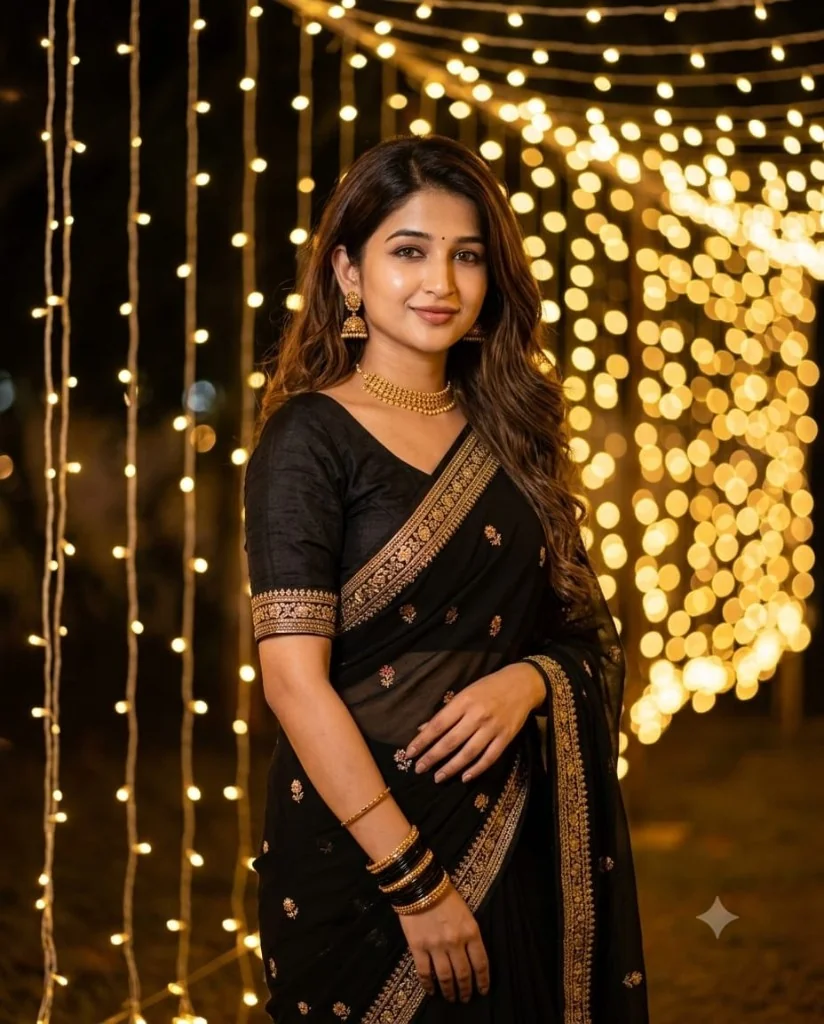
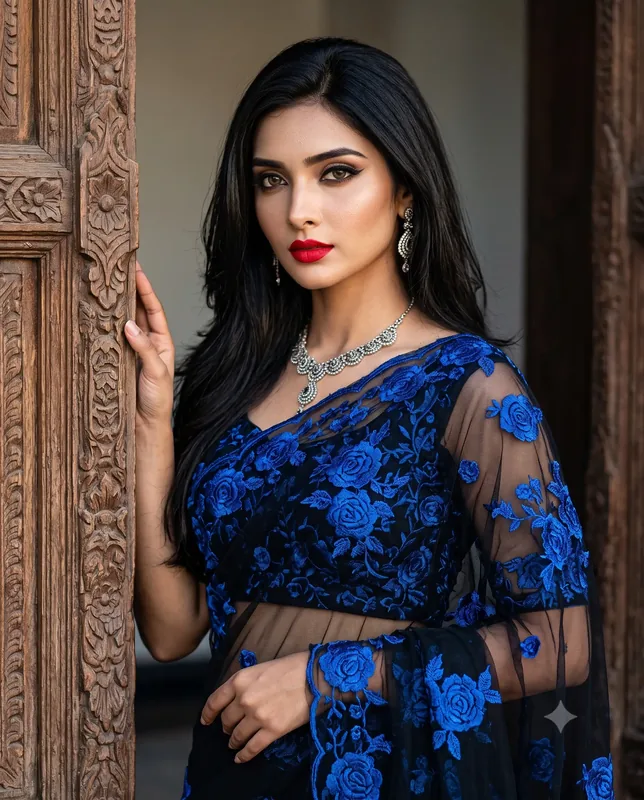
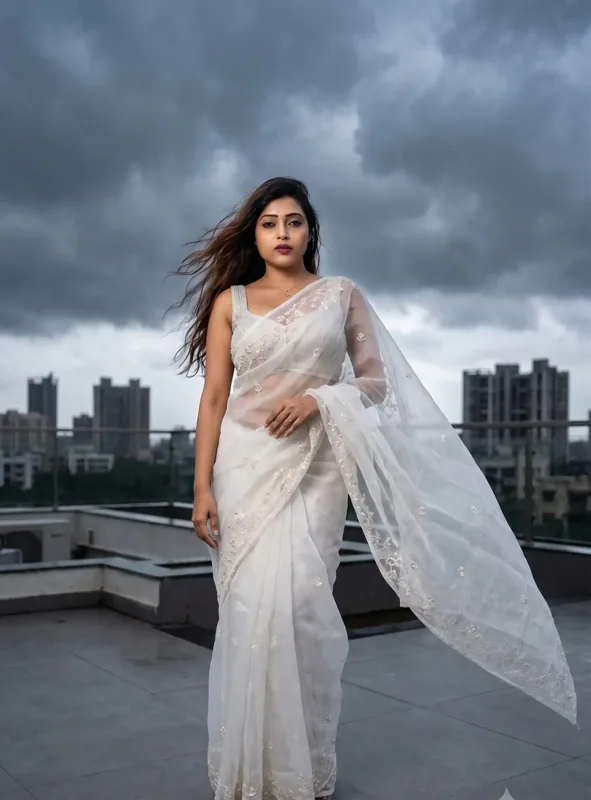
Moody over-the-shoulder portrait of an uploaded woman in a translucent flowy black saree with glass-work border and oxidized jhumkas.

Example output - Translucent Black Saree
The Prompt
translucent-black-saree-nightfall-portrait.md
IDENTITY PRESERVATION - ABSOLUTE PRIORITY:
Use the uploaded photograph as the PRIMARY IDENTITY REFERENCE for the adult woman.
Preserve her exact facial geometry, face shape, eyes, nose, lips, jawline, natural skin tone, pores, skin texture, and recognizable physical features. Do not replace the face with a generic AI model, face-swap, beautify, or de-age.
Lock face and body identity from the upload, while transforming wardrobe, posture, environment, lighting, and facial expression for this specific scene:

An adult Indian woman wearing a plain fitted black blouse paired with a matching translucent flowy black saree featuring delicate glass-work edging. She wears oxidized silver jhumka earrings and stacked black bangles on her wrist. Her voluminous hair flows freely over her shoulders with a few delicate strands drifting across her cheek.

She is captured turning back toward the camera in a subtle three-quarter over-the-shoulder gaze, with a confident, serene expression and deep red lip color.

Photography: Professional 85mm f/1.4 portrait prime lens, shallow depth of field. Moody low-key tungsten lighting, warm ambient backlight, natural skin texture, physically accurate sheer fabric opacity.

Final Verification: The generated portrait MUST keep the exact recognizable face from the uploaded photo, with facial expression, wardrobe, pose, and background transformed to match this scene. Photorealism only - no plastic skin, no CGI, no cartoon artwork.

QUALITY: hyperrealistic skin texture with visible pores and natural sheen, subtle catchlights in the eyes, optically clean bokeh, restrained cinematic color grade, fine natural film grain.
Negative prompt
Included when you copy the prompt
face swap, different person, generic AI face, celebrity likeness, plastic AI skin, de-aged face, beautified face, altered facial structure, cartoon, illustration, anime, CGI render, extra fingers, deformed hands, watermark, text, logos, neck distortion, flat lighting, plastic skin, exaggerated body shape
Replace every {{variable}} with your own details before running the prompt.
Collection: Saree Stories
Examples
Example input
Upload a clear reference photo of an adult woman.
What you should get
A moody 85mm over-the-shoulder portrait of a woman in a translucent black glass-work saree.

How to use this AI photo prompt
- Upload a clear reference photo of your face (well-lit, front-facing works best).
- Fill any placeholders on this page, then tap Copy Prompt.
- Paste into ChatGPT (also works with Gemini, Flux) and generate.
- Keep your face locked - only wardrobe, pose, and scene should change.
Privacy: Upload your photo inside ChatGPT, Gemini, or your AI tool — not on this site. We don't store your photos.
Works best with ChatGPT / Gemini / Flux
Identity-preserving image-to-image prompts need a strong face reference. Avoid heavy beauty filters on the upload and use the negative prompt when your tool supports it.
Tips for better saree results
- Match the example aspect ratio when your tool allows it (often 4:5 for portraits).
- If the face drifts, re-upload a sharper photo and keep the same prompt text.
- Copy related saree prompts below to try alternate looks with the same identity lock.
When to use this prompt
Use it when
- You need help with personal photo transformation.
- You need help with moody photography.
- You need help with night out look.
Skip it when
- You only need a one-line ask with no constraints, format, or context.
- You want a modern digital look or heavy filter effect instead of the era/style this prompt targets.
How to get a good result
Done when
A moody 85mm over-the-shoulder portrait of a woman in a translucent black glass-work saree.
Common mistakes
- Pasting without replacing {{placeholders}} or bracketed blanks.
- Asking ChatGPT, Gemini, Flux, Midjourney, or Stable Diffusion for a shorter answer after a long structured prompt - that throws away the format rules.
- Stopping when the first draft appears instead of checking it against the success criteria below.
FAQ
- Which AI tools is this prompt written for?
- It works best with ChatGPT, Gemini, Flux, Midjourney, Stable Diffusion. Copy the filled prompt and paste it into the tool you already use.
- What should a good result look like?
- A moody 85mm over-the-shoulder portrait of a woman in a translucent black glass-work saree.
- What are common mistakes with this prompt?
- Pasting without replacing {{placeholders}} or bracketed blanks. Asking ChatGPT, Gemini, Flux, Midjourney, or Stable Diffusion for a shorter answer after a long structured prompt - that throws away the format rules. Stopping when the first draft appears instead of checking it against the success criteria below.
Best for
- Personal Photo Transformation
- Moody Photography
- Night Out Look
Related Prompts
More prompts like this — same topic and style.