
Product Flow Diagrams
Prompt Chain Workflow AI Photo Prompt



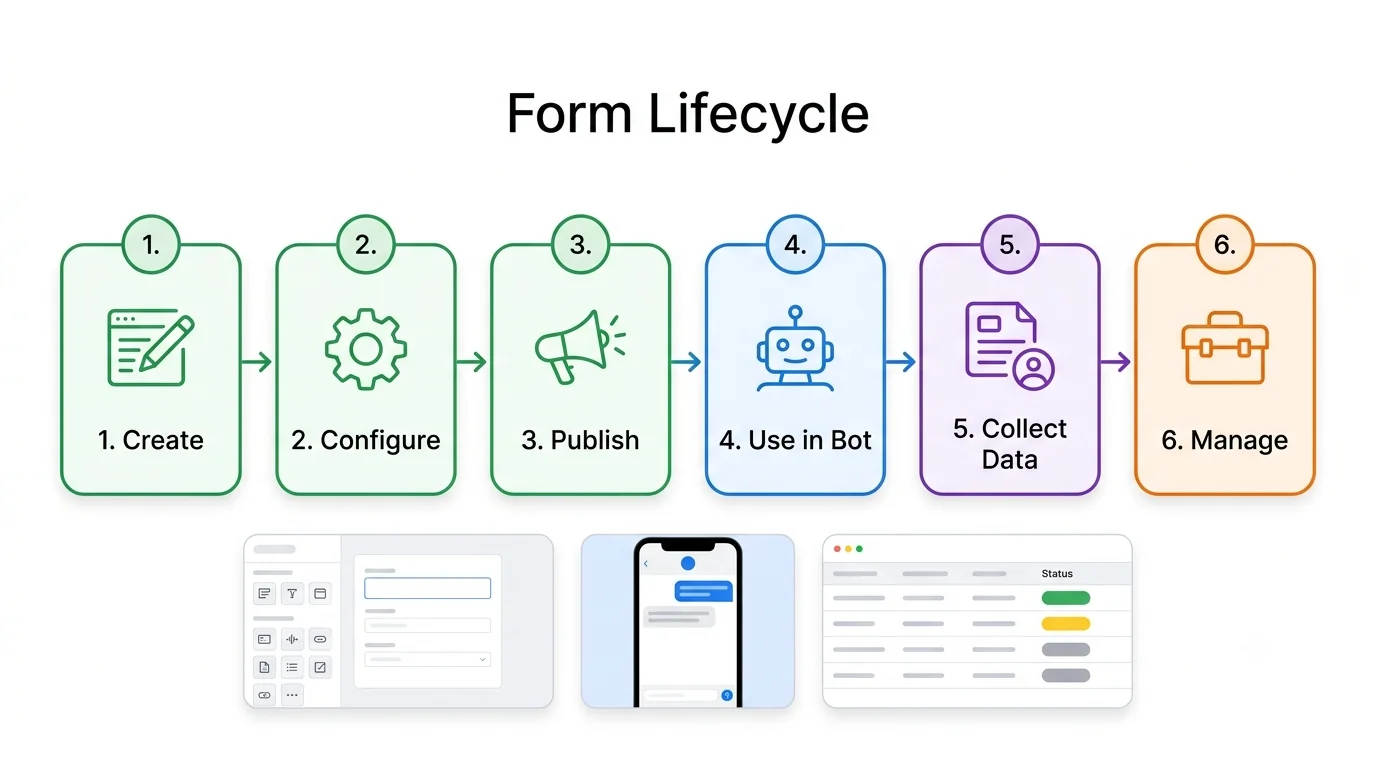
Multi-step prompt chain with the prompt and data format shown on each step card.
The Prompt
prompt-chain-workflow.md
Create a flow of a multi-step prompt chain for [TASK]: Input → Step 1 (extract) → Step 2 (classify) → Step 3 (generate) → Step 4 (validate) → Output. Show the prompt used at each step in a small card and the format of the data passed between steps.

STYLE: Clean modern SaaS look, white background, thin rounded cards, soft shadows, one font family (Inter-style), consistent line icons. Use realistic sample data, no lorem ipsum. All text must be spelled correctly, short, and legible. No overlapping text, no watermark. 16:9, high resolution.
Negative prompt
Included when you copy the prompt
lorem ipsum, watermark, overlapping text, misspelled labels, cluttered tiny text, photorealistic people, 3D characters, dark theme unless asked
Replace every {{variable}} with your own details before running the prompt.
Collection: Product Flow Diagram Prompts
Examples
Example input
Fill the [BRACKETS] with your product, feature, and one example business.
What you should get
A presentation-ready diagram for Prompt Chain Workflow.
How to use this AI photo prompt
- Upload a clear reference photo of your face (well-lit, front-facing works best).
- Fill any placeholders on this page, then tap Copy Prompt.
- Paste into ChatGPT (also works with Gemini, Flux) and generate.
- Keep your face locked - only wardrobe, pose, and scene should change.
Works best with ChatGPT / Gemini / Flux
Identity-preserving image-to-image prompts need a strong face reference. Avoid heavy beauty filters on the upload and use the negative prompt when your tool supports it.
Tips for better product flow diagrams results
- Match the example aspect ratio when your tool allows it (often 4:5 for portraits).
- If the face drifts, re-upload a sharper photo and keep the same prompt text.
- Copy related product flow diagrams prompts below to try alternate looks with the same identity lock.
When to use this prompt
Use it when
- You need a one-page visual of a feature, system, or process
- You will fill the bracketed blanks with one consistent example
Skip it when
- You need a photorealistic portrait or photo edit
How to get a good result
Done when
A presentation-ready diagram for Prompt Chain Workflow.
Common mistakes
- Pasting without replacing {{placeholders}} or bracketed blanks.
- Asking ChatGPT, Gemini, Flux, or Midjourney for a shorter answer after a long structured prompt - that throws away the format rules.
- Stopping when the first draft appears instead of checking it against the success criteria below.
FAQ
- Which AI tools is this prompt written for?
- It works best with ChatGPT, Gemini, Flux, Midjourney. Copy the filled prompt and paste it into the tool you already use.
- What should a good result look like?
- A presentation-ready diagram for Prompt Chain Workflow.
- What are common mistakes with this prompt?
- Pasting without replacing {{placeholders}} or bracketed blanks. Asking ChatGPT, Gemini, Flux, or Midjourney for a shorter answer after a long structured prompt - that throws away the format rules. Stopping when the first draft appears instead of checking it against the success criteria below.
Best for
- Product managers aligning a feature before build
- Founders and agencies who need a client-ready diagram
- Developers documenting architecture and integrations
Related Prompts
More prompts like this — same topic and style.