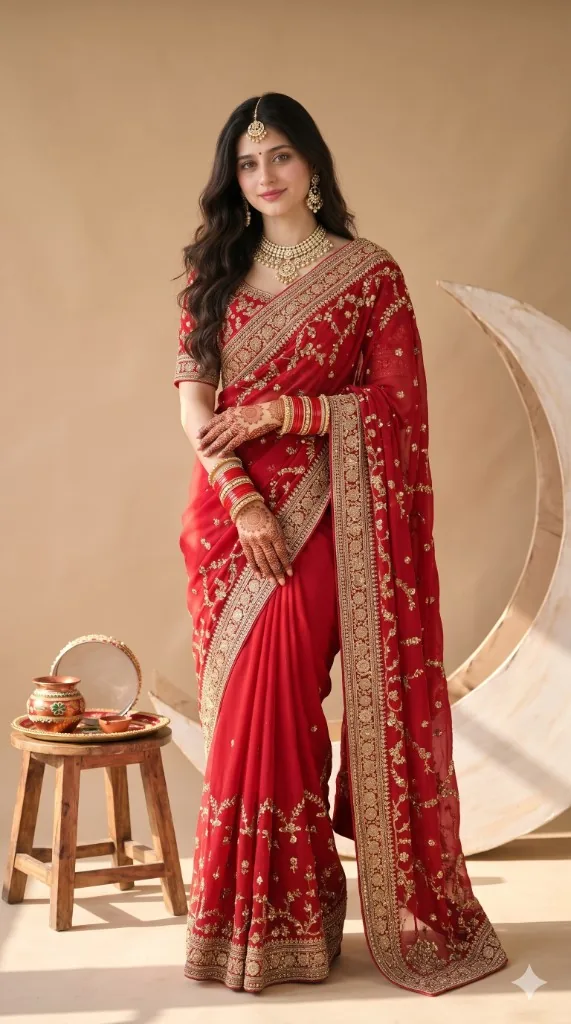
Karwa Chauth
Karwa Chauth Moon and Sieve Terrace AI Photo Prompt



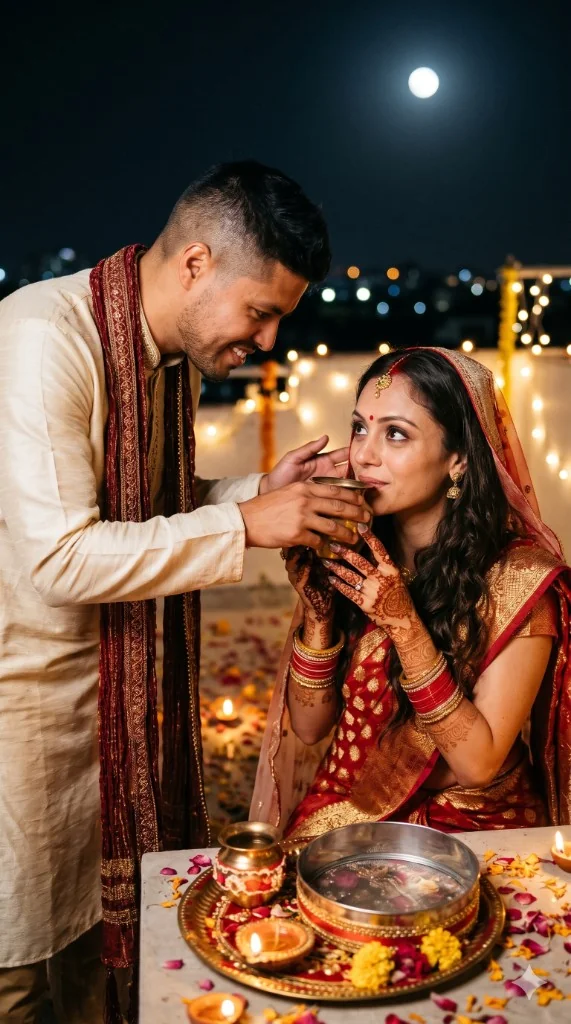
Identity-locked 9:16 rooftop moment — looking at the full moon through a brass sieve in a maroon gold lehenga, with thali, diya, and city night bokeh.
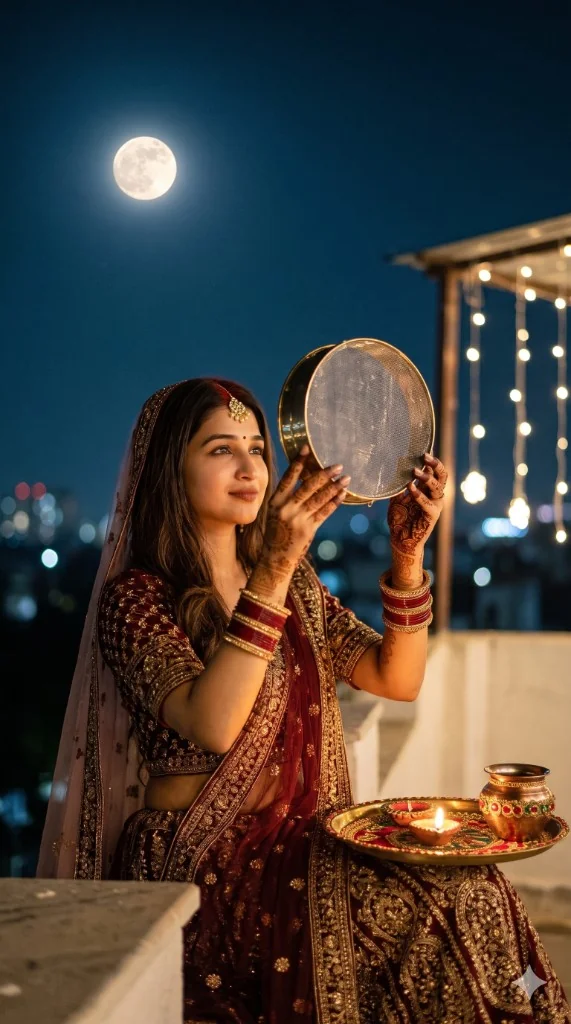
Example output - Karwa Chauth Moon and Sieve Terrace
The Prompt
karwa-chauth-moon-sieve-terrace.md
Aspect ratio 9:16. Keep the person exactly as shown in the reference image with 100% identical facial features and bone structure. 4K detail.

subject: Woman on a terrace looking at the moon through a brass sieve, face softly visible through the sieve
outfit: Maroon and gold lehenga, dupatta lightly draped over her head, mehndi on both hands
props: Thali with diya, karwa and water pot beside her
setting: Rooftop terrace at night, large glowing full moon in a deep indigo sky, city bokeh lights
lighting: Moonlight rim light on hair and cheek, warm diya fill from below
camera: 50mm, eye level, three-quarter view, moon sharp in background
style: Romantic, cinematic, dreamy glow
negative: no face change, no warped hands, no duplicate moon, no watermark
Negative prompt
Included when you copy the prompt
face change, different person, generic AI face, plastic skin, beauty filter, de-aged face, distorted hands, extra fingers, missing fingers, watermark, text, logo, cartoon, CGI, blurry
Replace every {{variable}} with your own details before running the prompt.
Collection: Karwa Chauth AI Photo Prompts
Examples
Example input
Upload a clear front-facing reference photo of the person.
What you should get
A photorealistic Karwa Chauth image: Karwa Chauth Moon and Sieve Terrace.
How to use this AI photo prompt
- Upload a clear reference photo of your face (well-lit, front-facing works best).
- Fill any placeholders on this page, then tap Copy Prompt.
- Paste into ChatGPT (also works with Gemini, Flux) and generate.
- Keep your face locked - only wardrobe, pose, and scene should change.
Privacy: Upload your photo inside ChatGPT, Gemini, or your AI tool — not on this site. We don't store your photos.
Works best with ChatGPT / Gemini / Flux
Identity-preserving image-to-image prompts need a strong face reference. Avoid heavy beauty filters on the upload and use the negative prompt when your tool supports it.
Tips for better karwa chauth results
- Match the example aspect ratio when your tool allows it (often 4:5 for portraits).
- If the face drifts, re-upload a sharper photo and keep the same prompt text.
- Copy related karwa chauth prompts below to try alternate looks with the same identity lock.
When to use this prompt
Use it when
- You want a Karwa Chauth look while keeping the uploaded face
- You need a Story / Status vertical or a feed portrait
Skip it when
- Generating a random face without a reference photo
How to get a good result
Done when
A photorealistic Karwa Chauth image: Karwa Chauth Moon and Sieve Terrace.
Common mistakes
- Pasting without replacing {{placeholders}} or bracketed blanks.
- Asking ChatGPT, Gemini, Flux, Midjourney, or Stable Diffusion for a shorter answer after a long structured prompt - that throws away the format rules.
- Stopping when the first draft appears instead of checking it against the success criteria below.
FAQ
- Which AI tools is this prompt written for?
- It works best with ChatGPT, Gemini, Flux, Midjourney, Stable Diffusion. Copy the filled prompt and paste it into the tool you already use.
- What should a good result look like?
- A photorealistic Karwa Chauth image: Karwa Chauth Moon and Sieve Terrace.
- What are common mistakes with this prompt?
- Pasting without replacing {{placeholders}} or bracketed blanks. Asking ChatGPT, Gemini, Flux, Midjourney, or Stable Diffusion for a shorter answer after a long structured prompt - that throws away the format rules. Stopping when the first draft appears instead of checking it against the success criteria below.
Best for
- Karwa Chauth portraits and posters
- WhatsApp Status and Instagram Stories
- Identity-locked festive photos for Gemini and ChatGPT
Related Prompts
More prompts like this — same topic and style.