Saree
Confident Studio Saree Portrait with Color Swaps AI Photo Prompt



Sophisticated updo studio portrait in an off-shoulder blouse and customizable leaf-embroidered sheer saree.

Studio saree portrait with customizable color variable
The Prompt
confident-young-woman-saree.md
IDENTITY PRESERVATION - ABSOLUTE PRIORITY:
Use the uploaded photograph as the PRIMARY IDENTITY REFERENCE for the adult woman.
Preserve her exact facial geometry, face shape, eyes, nose, lips, jawline, natural skin tone, pores, skin texture, and recognizable physical features. Do not replace the face with a generic AI model, face-swap, beautify, or de-age.
Lock face and body identity from the upload, while transforming wardrobe, posture, environment, lighting, and facial expression for this specific scene:

A confident adult Indian woman posed in a studio portrait with a sophisticated updo hairstyle and soft curls framing her face, looking directly at the camera with a calm, graceful expression.

She is dressed in an off-shoulder blouse and a {{SAREE_COLOR}} saree, intricately embroidered with elegant white and gold leaf patterns. Adorned with a luxurious ornate choker necklace featuring large white gemstones and matching earrings. Glamorous makeup with bold red lips and defined eyebrows.

Photography: Soft cinematic studio lighting, dark blurred background, ultra-realistic fashion photography, sharp focus on fabric weave and embroidery texture, 4K resolution, shallow depth of field.

Final Verification: The generated portrait MUST keep the exact recognizable face from the uploaded photo, with facial expression, wardrobe, pose, and background transformed to match this scene. Photorealism only - no plastic skin, no CGI, no cartoon artwork.

QUALITY: hyperrealistic skin texture with visible pores and natural sheen, subtle catchlights in the eyes, optically clean bokeh, restrained cinematic color grade, fine natural film grain.
Negative prompt
Included when you copy the prompt
face swap, different person, generic AI face, celebrity likeness, plastic AI skin, de-aged face, beautified face, altered facial structure, cartoon, illustration, anime, CGI render, extra fingers, deformed hands, watermark, text, logos, face swap, generic model face, plastic AI skin, extra fingers, watermark
Fill in your details below - this prompt updates as you type, then copy it.
Fill in your details
0 of 1 filled. Preview updates as you type - then copy the finished prompt (negative prompt included when present).
confident-young-woman-saree.md
Prompt preview
IDENTITY PRESERVATION - ABSOLUTE PRIORITY:
Use the uploaded photograph as the PRIMARY IDENTITY REFERENCE for the adult woman.
Preserve her exact facial geometry, face shape, eyes, nose, lips, jawline, natural skin tone, pores, skin texture, and recognizable physical features. Do not replace the face with a generic AI model, face-swap, beautify, or de-age.
Lock face and body identity from the upload, while transforming wardrobe, posture, environment, lighting, and facial expression for this specific scene:

A confident adult Indian woman posed in a studio portrait with a sophisticated updo hairstyle and soft curls framing her face, looking directly at the camera with a calm, graceful expression.

She is dressed in an off-shoulder blouse and a {{SAREE_COLOR}} saree, intricately embroidered with elegant white and gold leaf patterns. Adorned with a luxurious ornate choker necklace featuring large white gemstones and matching earrings. Glamorous makeup with bold red lips and defined eyebrows.

Photography: Soft cinematic studio lighting, dark blurred background, ultra-realistic fashion photography, sharp focus on fabric weave and embroidery texture, 4K resolution, shallow depth of field.

Final Verification: The generated portrait MUST keep the exact recognizable face from the uploaded photo, with facial expression, wardrobe, pose, and background transformed to match this scene. Photorealism only - no plastic skin, no CGI, no cartoon artwork.

QUALITY: hyperrealistic skin texture with visible pores and natural sheen, subtle catchlights in the eyes, optically clean bokeh, restrained cinematic color grade, fine natural film grain.
Collection: Saree Stories
Examples
Example input
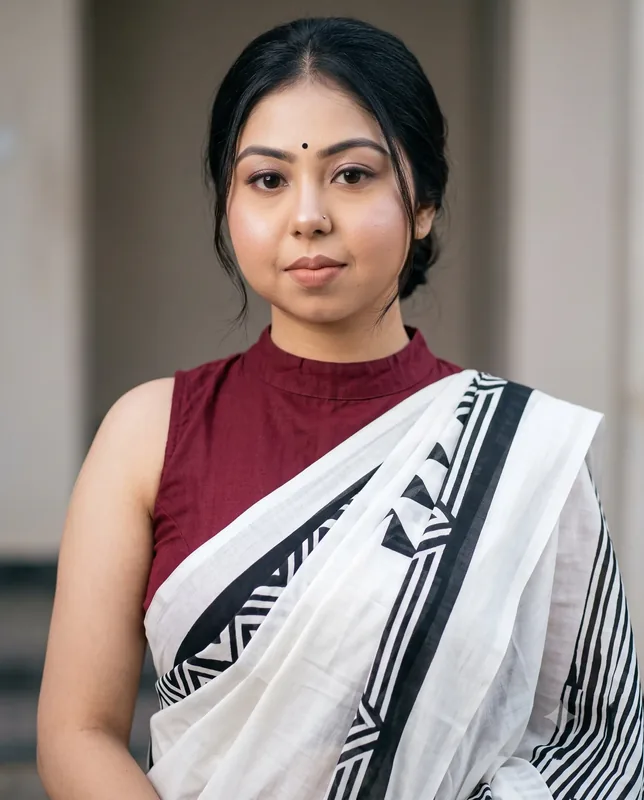
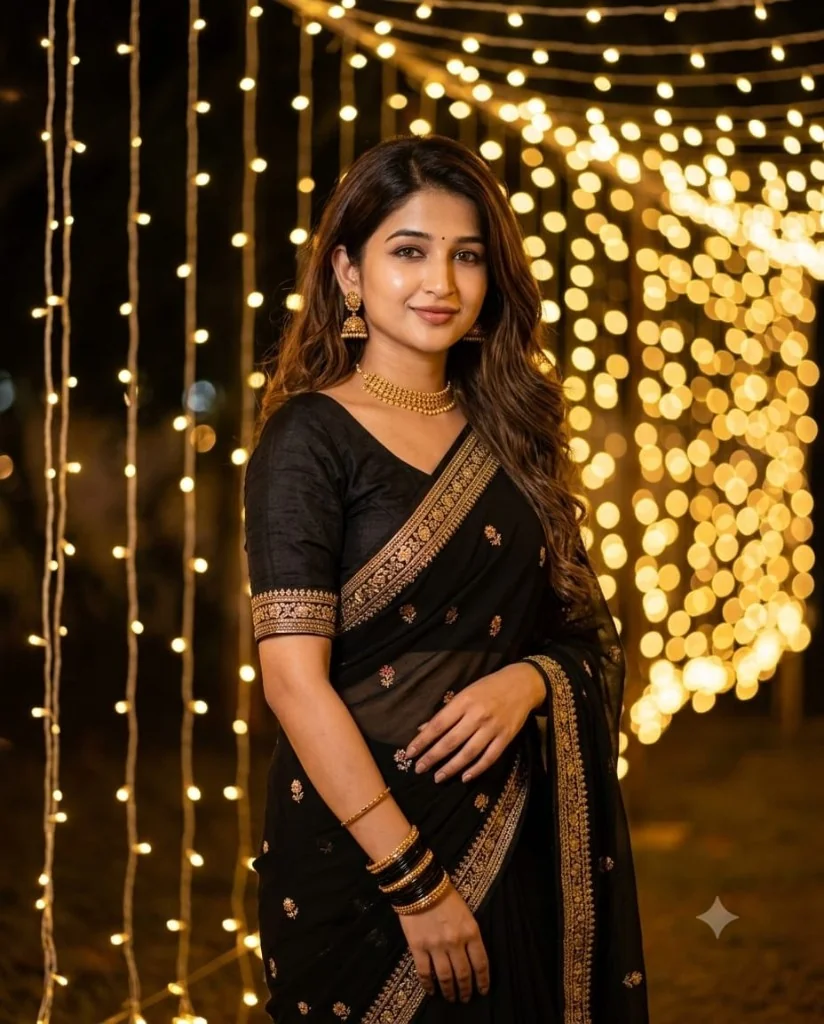
Upload identity photo. Set SAREE_COLOR to Emerald Green or Royal Blue.
What you should get
A studio fashion portrait in a leaf-embroidered saree matching the selected color.
How to use this AI photo prompt
- Upload a clear reference photo of your face (well-lit, front-facing works best).
- Fill any placeholders on this page, then tap Copy Prompt.
- Paste into ChatGPT (also works with Gemini, Flux) and generate.
- Keep your face locked - only wardrobe, pose, and scene should change.
Privacy: Upload your photo inside ChatGPT, Gemini, or your AI tool — not on this site. We don't store your photos.
Works best with ChatGPT / Gemini / Flux
Identity-preserving image-to-image prompts need a strong face reference. Avoid heavy beauty filters on the upload and use the negative prompt when your tool supports it.
Tips for better saree results
- Match the example aspect ratio when your tool allows it (often 4:5 for portraits).
- If the face drifts, re-upload a sharper photo and keep the same prompt text.
- Copy related saree prompts below to try alternate looks with the same identity lock.
When to use this prompt
Use it when
- You need help with studio glamour.
- You need help with ootd color variations.
- You need help with profile dps.
Skip it when
- You only need a one-line ask with no constraints, format, or context.
- You cannot supply the fill-in details the template asks for.
- You want a modern digital look or heavy filter effect instead of the era/style this prompt targets.
How to get a good result
Done when
A studio fashion portrait in a leaf-embroidered saree matching the selected color.
Common mistakes
- Leaving SAREE_COLOR vague - the model then invents placeholders.
- Asking ChatGPT, Gemini, Flux, Midjourney, or Stable Diffusion for a shorter answer after a long structured prompt - that throws away the format rules.
- Stopping when the first draft appears instead of checking it against the success criteria below.
FAQ
- What do I fill in before I copy this prompt?
- Replace these placeholders with your details: SAREE_COLOR. Required fields are marked on the page. The prompt text updates as you type.
- Which AI tools is this prompt written for?
- It works best with ChatGPT, Gemini, Flux, Midjourney, Stable Diffusion. Copy the filled prompt and paste it into the tool you already use.
- What should a good result look like?
- A studio fashion portrait in a leaf-embroidered saree matching the selected color.
- What are common mistakes with this prompt?
- Leaving SAREE_COLOR vague - the model then invents placeholders. Asking ChatGPT, Gemini, Flux, Midjourney, or Stable Diffusion for a shorter answer after a long structured prompt - that throws away the format rules. Stopping when the first draft appears instead of checking it against the success criteria below.
Best for
- Studio Glamour
- OOTD Color Variations
- Profile DPs
Related Prompts
More prompts like this — same topic and style.