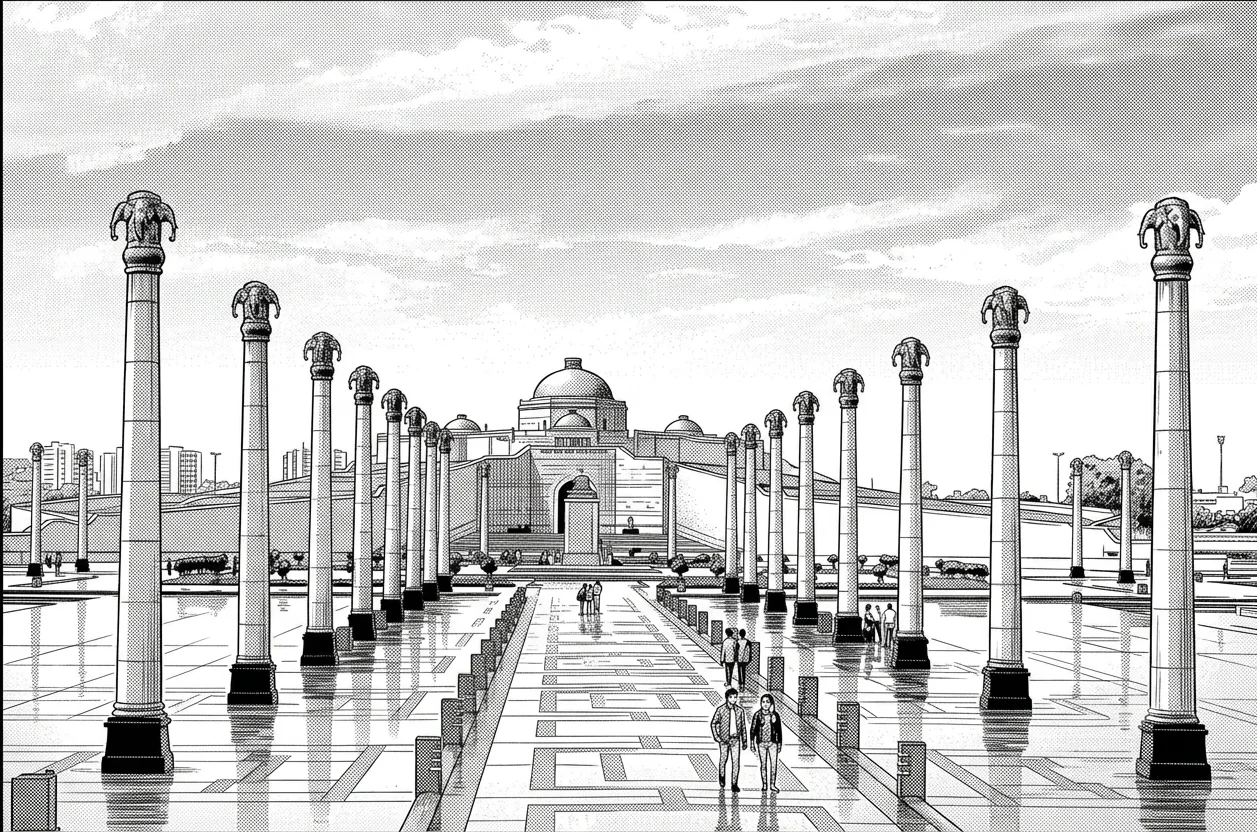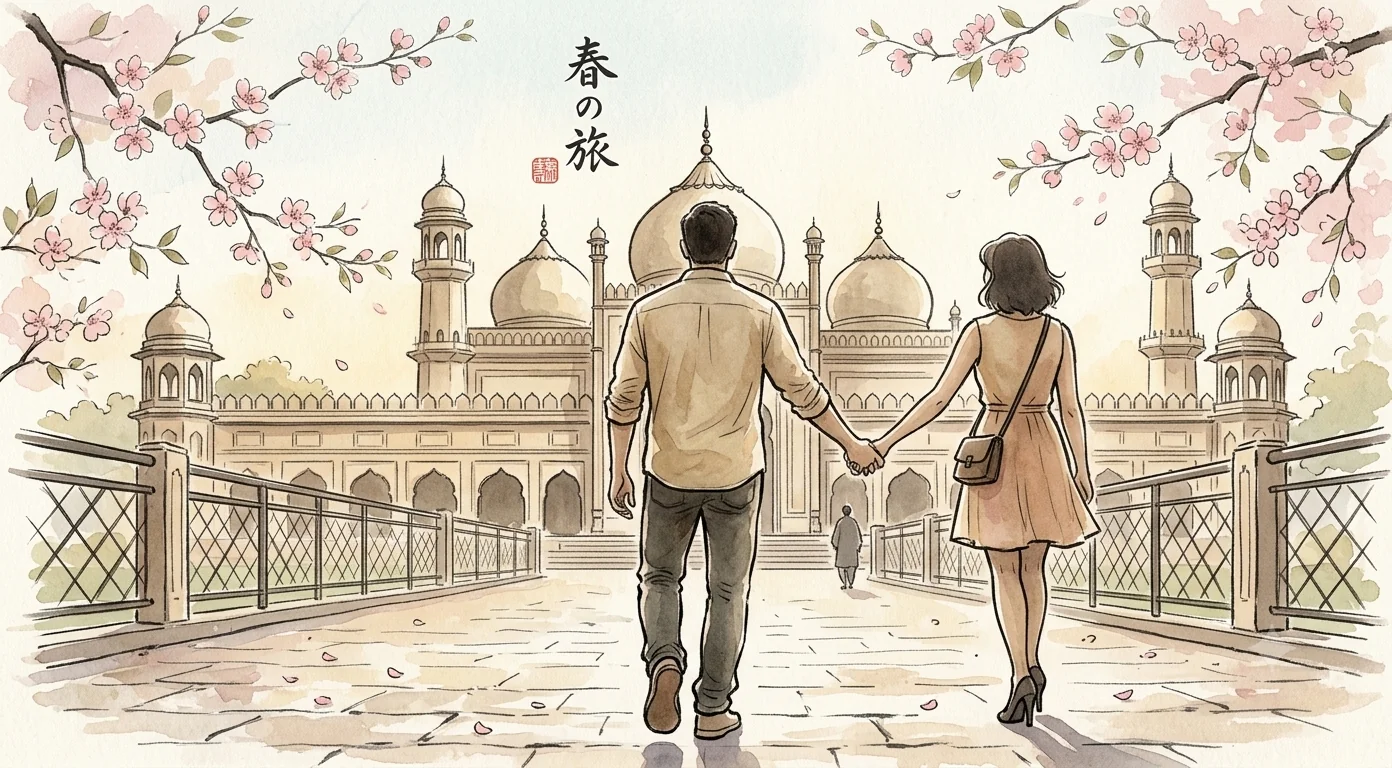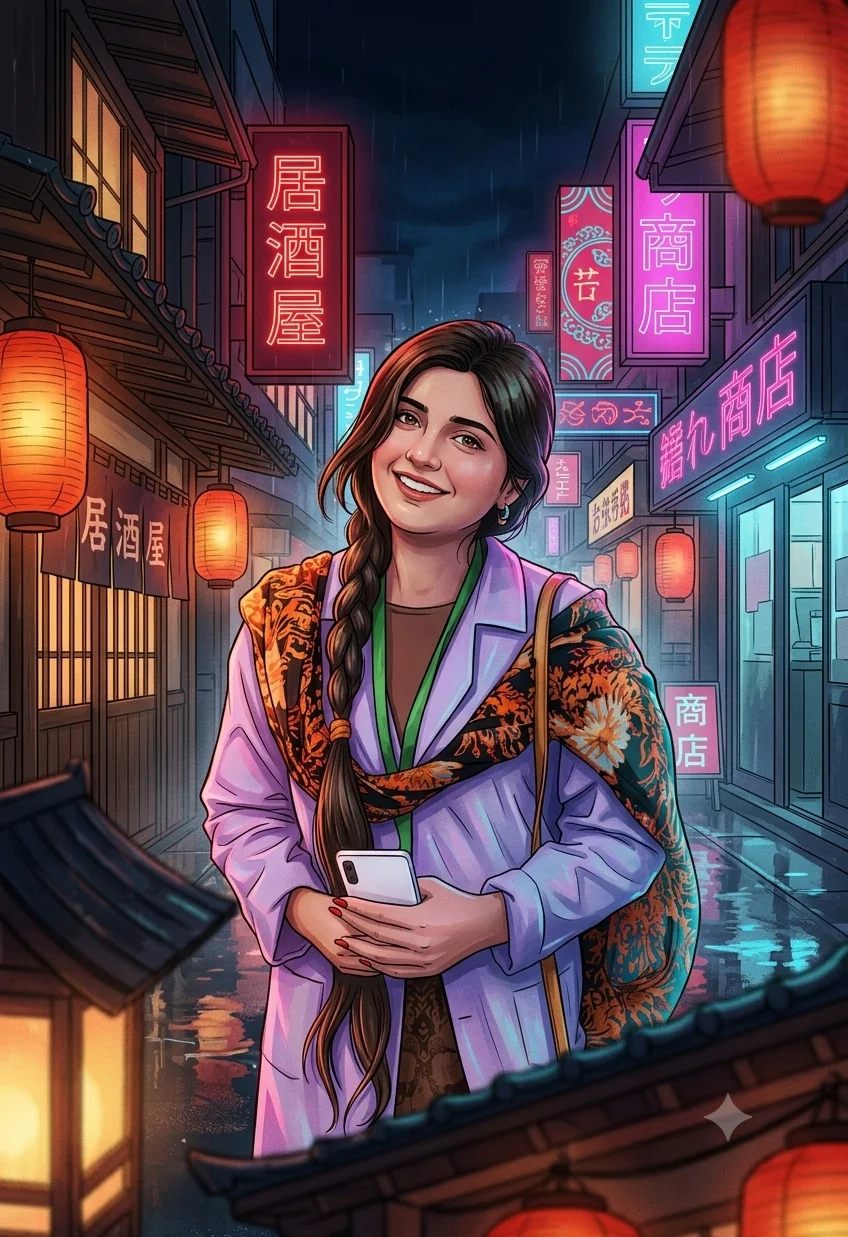

Japanese Art Style
Ukiyo-e Woodblock AI Photo Prompt



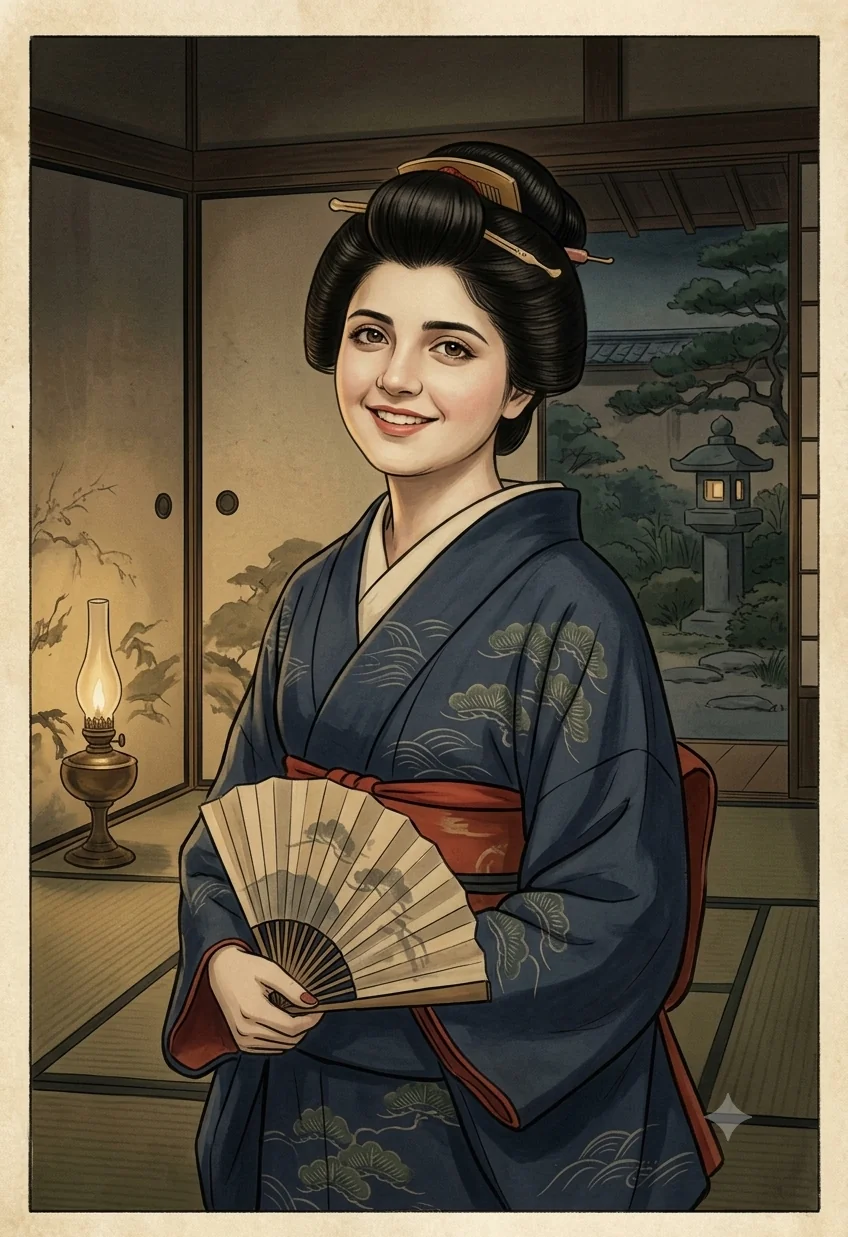
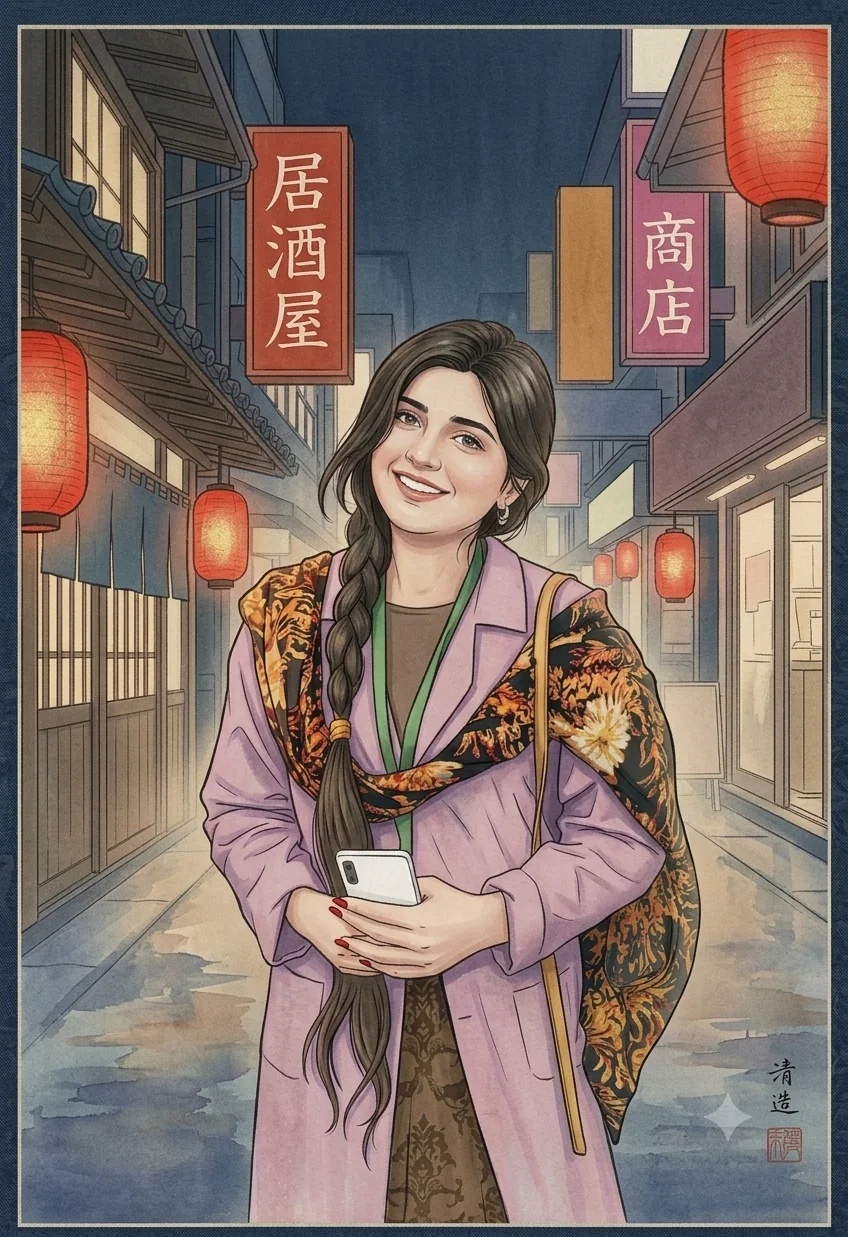
Transform an uploaded photo into authentic Edo-period Japanese Ukiyo-e woodblock print art.
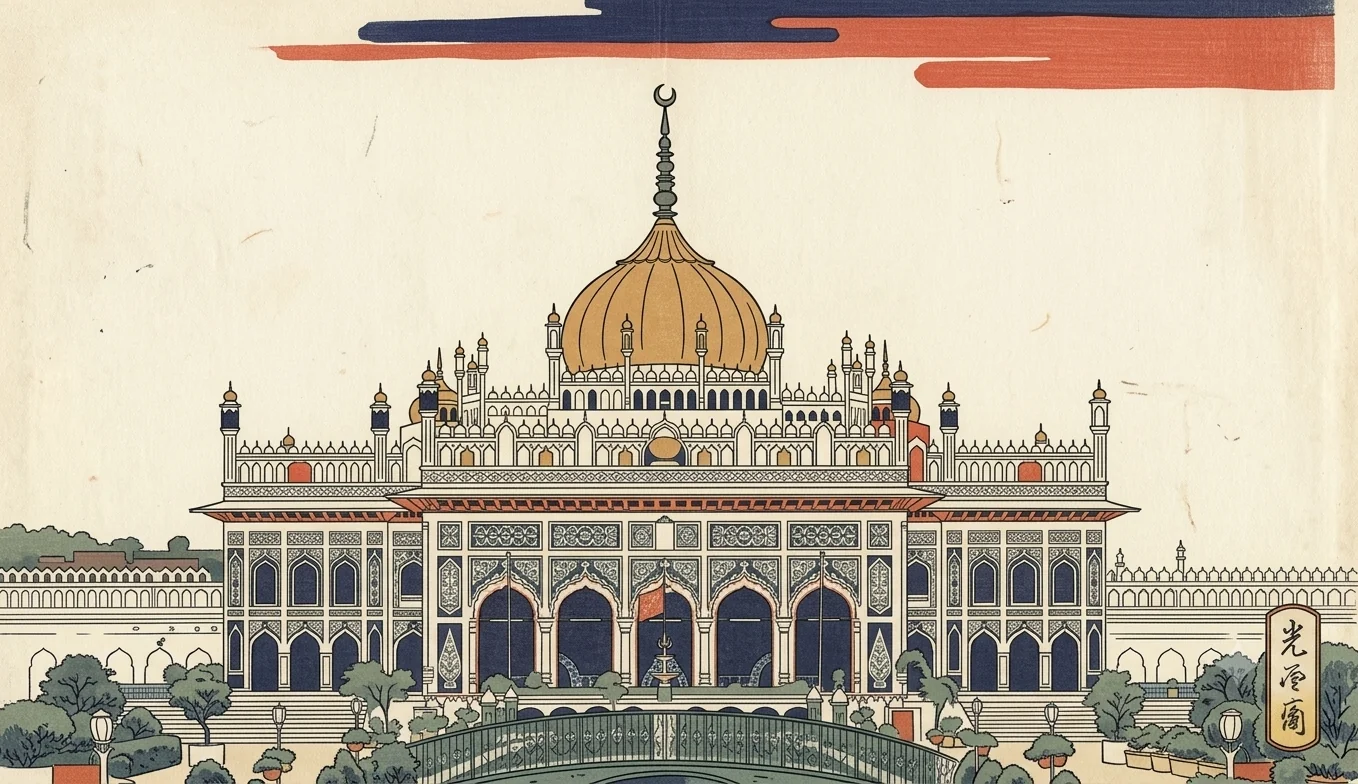
Example transformation output - Ukiyo-e Woodblock
The Prompt
ukiyo-e-woodblock.md
Transform the uploaded photo into authentic Japanese Ukiyo-e woodblock art.

MEDIUM: Edo-period Japanese woodblock print.
LINEWORK: bold, controlled black outlines; simplified elegant contours.
COLOR: limited palette of indigo, vermilion, ochre, muted green, ivory.
SHADING: flat color blocks; minimal gradients.
COMPOSITION: flattened perspective, asymmetrical balance, strong negative space.
TEXTURE: visible washi paper grain, subtle woodblock printing irregularities.
DETAIL: traditional Japanese patterns, refined fabric details, crisp graphic forms.
LIGHTING: soft, even painted illumination.
PRESERVE: person's identity, facial structure, hairstyle, pose, clothing silhouette and major objects.
AVOID: photorealism, 3D rendering, modern graphic-design appearance, excessive gradients.
Negative prompt
Included when you copy the prompt
text, watermarks, signature, logo, altered subject, changed face shape, distorted proportions, low resolution, blur, compression artifacts, photorealism, 3D rendering
Replace every {{variable}} with your own details before running the prompt.
Collection: Japanese Art Style Prompts
Examples
Example input
Upload any portrait or reference photo.
What you should get
The uploaded subject rendered as Ukiyo-e Woodblock.
How to use this AI photo prompt
- Upload a clear reference photo of your face (well-lit, front-facing works best).
- Fill any placeholders on this page, then tap Copy Prompt.
- Paste into ChatGPT (also works with Gemini, Flux) and generate.
- Keep your face locked - only wardrobe, pose, and scene should change.
Works best with ChatGPT / Gemini / Flux
Identity-preserving image-to-image prompts need a strong face reference. Avoid heavy beauty filters on the upload and use the negative prompt when your tool supports it.
Tips for better japanese art style results
- Match the example aspect ratio when your tool allows it (often 4:5 for portraits).
- If the face drifts, re-upload a sharper photo and keep the same prompt text.
- Copy related japanese art style prompts below to try alternate looks with the same identity lock.
When to use this prompt
Use it when
- You have an uploaded photo and want a Japanese art-style transform
- You want to keep identity while changing only the artistic language
Skip it when
- Generating an image entirely from scratch without an upload
How to get a good result
Done when
The uploaded subject rendered as Ukiyo-e Woodblock.
Common mistakes
- Pasting without replacing {{placeholders}} or bracketed blanks.
- Asking ChatGPT, Gemini, Flux, Midjourney, or Stable Diffusion for a shorter answer after a long structured prompt - that throws away the format rules.
- Stopping when the first draft appears instead of checking it against the success criteria below.
FAQ
- Which AI tools is this prompt written for?
- It works best with ChatGPT, Gemini, Flux, Midjourney, Stable Diffusion. Copy the filled prompt and paste it into the tool you already use.
- What should a good result look like?
- The uploaded subject rendered as Ukiyo-e Woodblock.
- What are common mistakes with this prompt?
- Pasting without replacing {{placeholders}} or bracketed blanks. Asking ChatGPT, Gemini, Flux, Midjourney, or Stable Diffusion for a shorter answer after a long structured prompt - that throws away the format rules. Stopping when the first draft appears instead of checking it against the success criteria below.
Best for
- Photo-to-Japanese-art transformation
- Preserving identity while changing art style
- Ukiyo-e, Sumi-e, Nihonga, anime, manga & more
Related Prompts
More prompts like this — same topic and style.